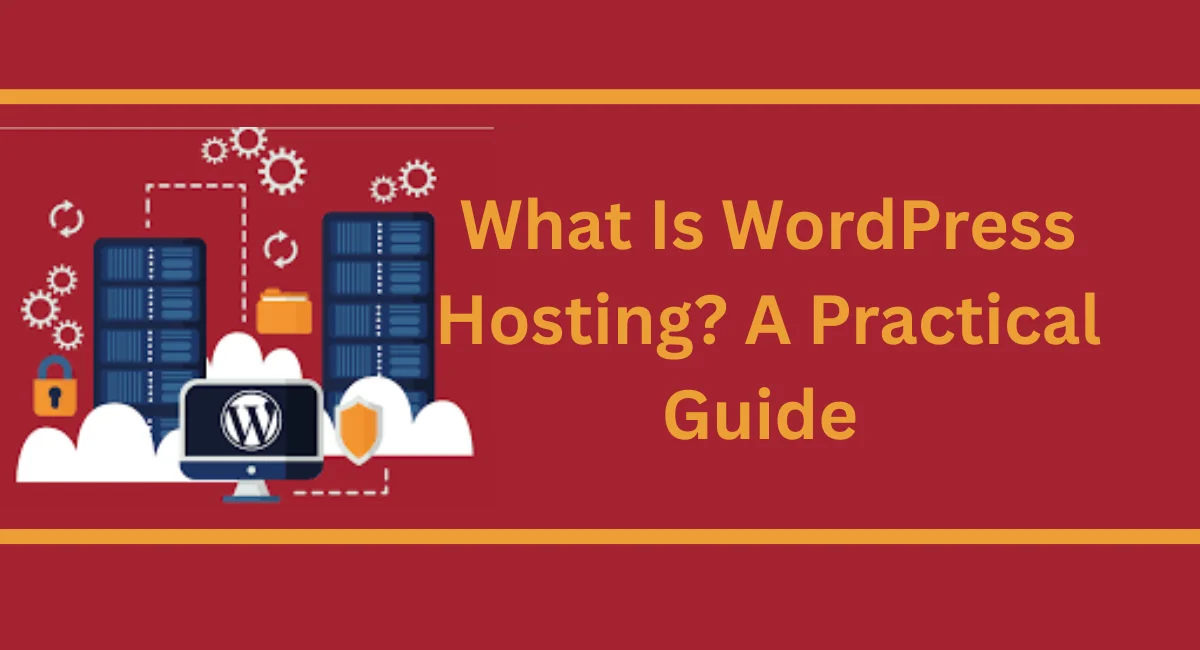
What Is WordPress Hosting? A Practical Guide
You wanted to build a website. You downloaded WordPress, felt good about it, and then suddenly got stuck — “Wait, what is WordPress hosting?
Do I even need it?” Don’t worry, almost everyone asks this same question when they’re just starting. It’s confusing, and nobody really explains it in a simple way.
In this post, we’ll answer exactly that — what is WordPress hosting, why you need it, and how to pick the right one without getting overwhelmed.
No technical words, no confusing stuff. Just clear, simple answers so you can move forward and get your website up and running.
Get fast, reliable hosting for WordPress
Your website is only as good as the server it runs on. A slow, unreliable host can kill your traffic, hurt your search rankings, and frustrate your visitors before they even read a single word.
That’s why choosing the right hosting isn’t just a technical decision — it’s a business one.
WordPress powers over 43% of all websites on the internet today. That kind of scale means your hosting provider needs to be ready for it.
Whether you’re launching your first blog or managing a growing eCommerce store, getting fast, reliable hosting for WordPress sets the foundation for everything else.
What is WordPress hosting?
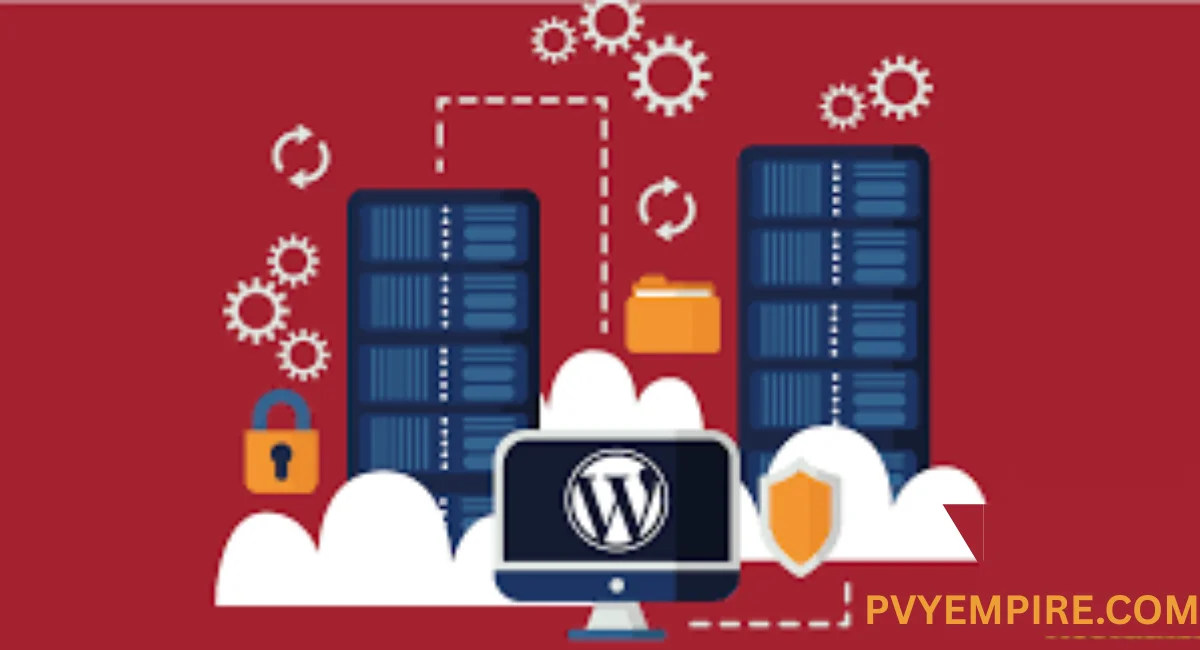
At its core, what is WordPress hosting is a web hosting service specifically built and optimized to run WordPress websites.
Unlike generic web hosting, WordPress hosting is configured with the right server stack, caching layers, and performance tools that WordPress needs to run smoothly and efficiently.
Think of it like this: regular web hosting is a general-purpose kitchen. WordPress hosting is a kitchen setup specifically for baking. All the right tools are already in place.
You don’t have to hunt for equipment or configure everything from scratch. The environment — including PHP, MySQL or MariaDB, NGINX or Apache, and often OPcache — is already tuned for WordPress from day one.
Different types of hosting for WordPress
Not all WordPress hosting is created equal. The type of hosting you choose will directly affect your site’s speed, security, and ability to grow. Each option suits a different type of user, budget, and traffic level.
Before you pick a plan, it helps to understand what each hosting type actually offers. Some are affordable but limited. Others are powerful but come with a higher price tag. Here’s a clear breakdown of the main options.
Shared WordPress hosting
Shared WordPress hosting means your website shares a server with many other websites. It’s the most affordable entry point for beginners and small blogs.
Resources like CPU, RAM, and bandwidth are divided among all users on the same server. It works well for low-traffic sites but can slow down if a neighboring site experiences a traffic spike.
Dedicated WordPress hosting
With dedicated WordPress hosting, you get an entire physical server to yourself. No sharing, no resource competition — just your website running on its own hardware.
This is ideal for large businesses, high-traffic sites, or platforms that need maximum control and consistent performance. It’s the most expensive option but also the most powerful.
VPS WordPress hosting
VPS (Virtual Private Server) WordPress hosting sits between shared and dedicated hosting. Your site still lives on a shared physical server but operates inside its own isolated virtual environment.
You get a guaranteed slice of resources — memory, storage, processing power — that other users can’t touch. It’s a smart step up for growing sites that need more stability without the cost of a dedicated server.
Cloud WordPress hosting
Cloud WordPress hosting distributes your website across multiple servers instead of relying on just one. If one server has a problem, another picks up the slack automatically.
This makes it highly reliable and easy to scale. Traffic spikes don’t knock your site offline because extra resources kick in on demand. Providers like Amazon Web Services power many cloud WordPress setups behind the scenes.
Managed WordPress hosting
Managed WordPress hosting takes the technical work off your plate. Your hosting provider handles WordPress core updates, plugin updates, security patches, daily backups, and performance optimization for you.
You focus on your content and business while they handle the infrastructure. It costs more than unmanaged options but saves significant time — especially for non-technical users or agencies managing multiple client sites.
6 features to look for when considering WordPress hosting
Choosing a WordPress hosting provider isn’t just about price. The right plan should check several important boxes before you commit. Below are the key features worth evaluating before you sign up.
Some of these features might seem like nice-to-haves, but in practice, they save hours of work, prevent costly downtime, and protect your site from threats. Don’t overlook them.
1. Performance
Performance is everything. Your WordPress hosting environment should include server-level caching, SSD storage, and ideally a built-in CDN (Content Delivery Network) to serve your pages quickly to visitors around the world.
Look for hosts that support PHP-FPM, OPcache, and Redis caching — these tools dramatically speed up WordPress page loads without any extra effort on your part.
2. Security
A good WordPress hosting provider doesn’t leave security as an afterthought. Look for plans that include an SSL certificate, Web Application Firewall (WAF), DDoS protection, malware scanning, and brute force protection.
Automatic security updates are a major plus — especially if you’re not checking your site daily. The best hosts also offer two-factor authentication and around-the-clock threat monitoring.
3. Scalability
Your hosting should grow with you. Whether you’re expecting a sudden surge from a viral post or steady month-over-month growth, your plan should allow you to scale up resources without downtime.
Cloud WordPress hosting and VPS plans tend to offer the best WordPress scalability, but even some shared plans include easy upgrade paths.
4. Support
When something breaks at 2 a.m., you need help fast. Look for a WordPress hosting service that offers 24/7 support — ideally with live chat, phone, and ticket options.
Even better, choose a provider whose support team actually knows WordPress. Generic server support isn’t always enough when you’re dealing with a WordPress-specific issue.
5. Total cost of ownership
The advertised price isn’t always the real price. Some hosts lure you in with low introductory rates and then charge much more on renewal. Factor in the full cost:
domain registration, SSL certificate (if not free), backup fees, security add-ons, and migration costs. A slightly more expensive plan that includes everything is often cheaper in the long run than a bargain plan with endless upsells.
6. Money-back guarantee and contract flexibility
A host confident in their service will offer a money-back guarantee — typically 30 days. This lets you test the platform risk-free.
Also, check the contract terms. Month-to-month billing gives you flexibility. Long-term contracts can save money but lock you in, so make sure you’re happy before committing to a year or more.
7. Free website migration
Switching hosts is a hassle. If you already have a WordPress site running somewhere else, look for a provider that offers free WordPress migration as part of the setup.
The best providers handle the entire process — moving your files, database, and settings — without any downtime for your visitors. This alone can save hours of technical headaches.
8. Staging environments
A WordPress staging environment is a private copy of your site where you can test changes before pushing them live. Developers and designers need to make significant updates.
Not every host includes this by default, so check before you sign up. Having a staging site prevents costly mistakes from going live and breaking your real website.
9. One-click installation
One-click WordPress installation makes getting started incredibly simple. Instead of manually uploading files, creating databases, and configuring settings, you click a button, and WordPress is installed and ready to go in minutes.
Most quality WordPress hosting plans include this as a standard feature. It’s especially useful for beginners who want to get their site live without touching any code.
10. Control panel
A good WordPress control panel gives you an easy, intuitive way to manage your hosting account. This includes managing domains, setting up email accounts, accessing databases, and installing SSL certificates.
cPanel is the most widely used option, though some hosts offer custom dashboards. Whatever the interface, it should be clean and easy to navigate — even if you’re not technically minded.
11. Uptime guarantees
Downtime costs money, trust, and search rankings. Your WordPress hosting provider should guarantee at least 99.9% uptime — and ideally back it up with a service level agreement (SLA).
High-availability WordPress hosting uses redundant infrastructure to keep your site online even when hardware fails. Always check the host’s uptime track record before committing, not just their marketing claims.
Benefits of WordPress hosting
Choosing a hosting solution specifically designed for WordPress — rather than generic web hosting — comes with real, practical advantages. These benefits show up in your site’s performance, security, and day-to-day management.
Once you experience WordPress-optimized hosting, it’s hard to go back. The difference is noticeable from the moment you log in.
Optimized performance
WordPress hosting providers configure their servers specifically for the WordPress CMS. That means faster load times, lower server response times, and a smoother experience for your visitors.
Features like server-level caching, CDN integration, and SSD storage are often built in by default — things you’d have to set up manually on a generic server.
Automatic WordPress updates
Keeping WordPress core, themes, and plugins updated is critical for security and compatibility. Managed WordPress hosting handles these updates automatically, so you’re always running the latest version without lifting a finger.
This is especially valuable if you manage multiple client sites and can’t manually update each one every week.
Daily backups
Accidents happen. A failed update, a hacked plugin, or an accidental deletion can wipe out days of work. WordPress hosting plans that include daily backups give you a safety net.
You can restore your site to a previous state quickly — often with just one click — without calling a developer or losing everything.
Free migration services
Moving an existing WordPress website to a new host is intimidating for most people. Many WordPress hosting providers now include free migration services, where their team handles the entire transfer process.
Your files, database, and configurations move over cleanly. You just point your domain to the new server when everything is ready.
SEO-friendly infrastructure
Search engines reward fast, secure, and reliable websites. WordPress hosting built with SSD storage, CDN integration, and uptime guarantees directly supports better search engine performance.
An SSL certificate — which comes standard with most WordPress hosting plans — is also a confirmed ranking signal. In short, good hosting quietly supports your SEO without you doing anything extra.
Cost-Effectiveness
When you add up the value — optimized performance, built-in security, automatic updates, daily backups, and free migration — WordPress hosting often costs less than assembling the same features yourself on a generic server.
Time saved is money saved. For small businesses and freelancers especially, the all-in-one nature of a quality WordPress hosting plan makes strong financial sense.
Do you need WordPress hosting?
Technically, WordPress can run on any standard web hosting that supports PHP and MySQL. So no, you don’t have to use WordPress-specific hosting. But here’s the truth — you’ll probably wish you had.
Generic hosting works, but it doesn’t work well for WordPress. You’ll miss out on server-side caching, automatic WordPress updates, staging environments, and WordPress-savvy support. Performance will likely suffer, especially as your traffic grows.
If your site matters to you — whether it’s a personal brand, a client project, or a business — then yes, you need WordPress hosting. It’s not a luxury. It’s the smarter, more practical choice for anyone serious about their WordPress website.
Getting started with WordPress hosting
Getting started is simpler than most people expect. First, decide what type of hosting fits your current needs and budget — shared for beginners, VPS or cloud for growing sites, managed for those who want a hands-off experience. Then pick a provider that ticks the key boxes: performance, security, support, and scalability.
Once you’ve signed up, most hosts walk you through the setup step by step. You’ll install WordPress with one click, choose a theme, and start building. If you’re migrating an existing site, the provider’s migration team handles the heavy lifting. Within a day or two, your WordPress site is live on a server built to handle it properly.
Ready to get started?
Choosing the right hosting doesn’t have to be overwhelming. Start by identifying your site’s current needs — traffic volume, technical comfort level, and budget. Then match those needs to the hosting type that fits best.
Whether you go with shared WordPress hosting for a simple blog or managed hosting for a busy WooCommerce store, the right plan is out there. Don’t overthink it. Pick a reputable provider, take advantage of the money-back guarantee, and get your site live.
Additional resources
Want to keep learning? Here are some helpful guides to explore next. Each one builds on the foundation you’ve set by understanding what WordPress hosting is and how it works.
These articles go deeper into specific areas — from managing hosting as a business to getting more out of WordPress itself.
What is managed WordPress hosting?
Managed WordPress hosting takes automation and support to the next level. This guide explains exactly what’s included, who it’s best for, and how it compares to unmanaged options. If you’re running a busy site or managing clients, this is a must-read.
5 steps to starting your own web hosting business →
Interested in offering WordPress hosting as a service? This step-by-step guide walks you through everything from choosing a reseller platform to pricing your plans and supporting your clients. Providers like InMotion Hosting and OpenSRS offer programs built exactly for this purpose.
A complete guide to WordPress shortcodes →
Shortcodes are one of WordPress’s most underrated features. This guide shows you how to use them to add dynamic functionality to your pages and posts — no coding required. It’s a practical resource for anyone wanting to get more out of their WordPress installation.
Trust us to help you choose the ideal hosting solution
With so many hosting providers, plan types, and pricing tiers out there, making the right call isn’t always easy. That’s exactly where reliable, experience-backed guidance matters. Not every host is transparent about what’s included, what gets upsold, and what the renewal prices actually look like.
We’ve researched so you don’t have to. Whether you’re a freelancer launching a portfolio, an agency managing dozens of client sites, or a business owner building your online presence, we can help you find a WordPress hosting solution that fits your real-world needs — not just the marketing brochure.
Why offering WordPress hosting matters for you and your clients
If you’re a web designer, developer, or digital agency, hosting isn’t just a technical detail — it’s a service opportunity.
Offering WordPress hosting to your clients keeps them in your ecosystem, adds a reliable recurring revenue stream, and gives you direct control over site performance and uptime. When something goes wrong, you’re already positioned to fix it fast.
Your clients benefit too. They get a trusted, single point of contact for their website, hosting, and support. Instead of dealing with a faceless hosting company’s ticket system, they call you.
That level of service builds long-term loyalty and referrals. Offering WordPress hosting isn’t just good for your bottom line — it genuinely improves the experience for everyone you work with.
Conclusion
WordPress hosting isn’t just a place to park your website — it’s the engine that powers everything your site does. From how fast your pages load to how secure your data stays, the hosting environment you choose shapes your visitors’ experience every single day.
Understanding what WordPress hosting is helps you make a smarter, more informed decision rather than just picking the cheapest plan and hoping for the best.
Whether you’re a beginner setting up your first site or an agency managing a portfolio of client websites, there’s a WordPress hosting solution designed for your needs.
Start with the right type of hosting, look for the key features that matter most to your situation, and choose a provider you can trust for the long haul. Your WordPress website deserves a solid foundation — and now you have everything you need to build one.
FAQs
What is WordPress hosting, and how is it different from regular web hosting?
WordPress hosting is a web hosting service optimized specifically for WordPress websites. It includes the right server configuration, caching tools, and support team to run WordPress efficiently — unlike generic hosting, which isn’t tuned for any particular CMS.
Do I need managed WordPress hosting, or will shared hosting work?
It depends on your site’s size and how hands-on you want to be. Shared hosting works for small, low-traffic sites. Managed WordPress hosting is worth it for busy sites, eCommerce stores, or anyone who wants automatic updates, backups, and expert support without the technical hassle.
How much does WordPress hosting typically cost?
Shared WordPress hosting can start as low as $2–$5 per month. VPS and cloud plans typically range from $20–$80 per month. Managed WordPress hosting usually starts around $25–$30 per month and goes up depending on traffic and features. Always check the renewal rate, not just the introductory price.
Can I migrate my existing WordPress site to a new host easily?
Yes — especially if your new host offers free migration services. Many WordPress hosting providers handle the entire process for you, moving your files, database, and settings with zero downtime. If you prefer to do it manually, some plugins make the process straightforward.
What is a staging environment in WordPress hosting?
A staging environment is a private, cloned version of your live site where you can test updates, design changes, or new plugins safely. Once you’re happy with the changes, you push them to the live site. It’s one of the most valuable features for anyone regularly updating or developing a WordPress website.
Is WordPress hosting secure?
Quality WordPress hosting providers include strong security features — SSL certificates, Web Application Firewalls, malware scanning, DDoS protection, and automatic updates. No host can guarantee 100% immunity from threats, but a well-configured WordPress hosting environment dramatically reduces your risk.
Can I use WordPress hosting for an e-commerce store?
Absolutely. WordPress with WooCommerce is one of the most popular eCommerce platforms in the world. Look for a WordPress hosting plan with strong performance, reliable uptime, SSL included, and enough server resources to handle product pages and transactions. Managed WordPress hosting is often the best fit for WooCommerce stores.

Alex Bryant is the founder of PvyEmpire.com and a WordPress specialist with over 4 years of hands-on experience in web hosting, performance optimization, and website management. He has extensively tested top hosting providers by setting up real websites and monitoring their speed, uptime, and reliability.
At PvyEmpire.com, Alex publishes honest, data-driven reviews, detailed guides, and verified coupons & deals. His goal is to help website owners choose the right hosting, improve performance, and grow their online presence with confidence—based on real testing, not promotions.