Managed WordPress Hosting: Features, Benefits & How It Works
Trying to run a WordPress site can feel exciting at first, but it quickly gets overwhelming when things like speed, updates, and security start demanding your attention.
Many people end up frustrated when their website slows down or breaks after a plugin update, even when they’re just trying to focus on content or growing their business. That’s usually when the idea of Managed WordPress Hosting starts to sound like a real relief.
In this post, we’ll break down what Managed WordPress Hosting actually means and why so many website owners are switching to it.
You’ll learn how it helps with performance, security, and day-to-day maintenance without needing deep technical skills. By the end, you’ll have a clear idea of whether it’s the right choice for your website and what benefits you can realistically expect.
What is managed WordPress hosting?
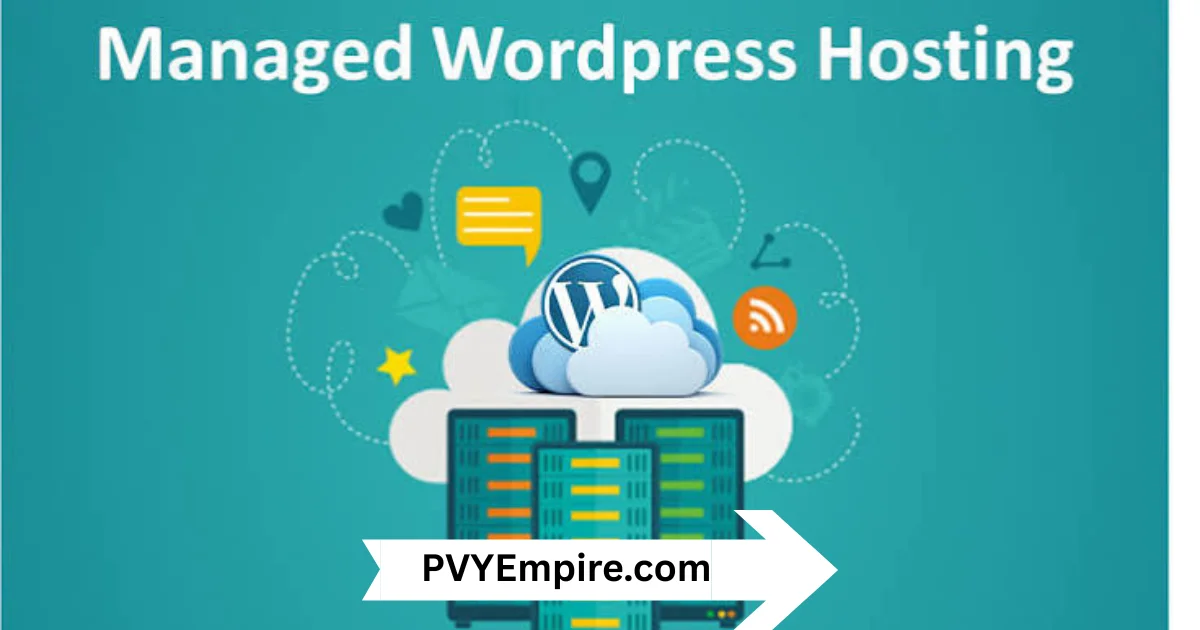
Managed WordPress hosting is a specialized hosting service built only for WordPress websites. Instead of handling everything yourself, the hosting provider takes care of updates, security, backups, and performance tuning. It’s like having a technical team working behind your site 24/7.
In simple terms, Managed WordPress Hosting means you focus on content and growth while the server side is handled for you. This setup is designed to improve speed, stability, and security without requiring deep technical skills.
How does Managed WordPress Hosting work?
Managed WordPress hosting works by optimizing servers specifically for WordPress performance. The provider configures caching, CDN integration, and security layers so your site runs faster and stays protected. Everything is fine-tuned for Core Web Vitals and smooth user experience.
Behind the scenes, updates for WordPress core, plugins, and themes are often handled automatically. Many platforms also include staging environments, so you can test changes before pushing them live without risking your main site.
What is a WordPress Hosting Control Panel?
A WordPress hosting control panel is your central dashboard to manage everything in one place. You can access backups, staging sites, performance tools, and security settings without touching complex server commands.
It’s designed to make website management feel simple. Instead of juggling multiple tools, you get a clean interface where you can monitor and control your WordPress site easily.
What is included in the SeekaHost managed WP Hosting Control Panel?
A typical control panel from providers like SeekaHost includes one-click WordPress installation, backups, and staging environments. You also get performance tools and security settings built directly into the dashboard.
It often includes features like SSL management, caching controls, and migration tools. Everything is designed to reduce manual work and speed up daily website operations.
Key Feature
Managed WordPress hosting comes packed with features that focus on speed, security, and convenience. These features remove the need for constant manual maintenance and improve overall site performance.
Most setups include optimized servers, built-in caching, CDN support, and automatic updates. This creates a smooth environment where your website can grow without technical interruptions.
- Optimized server environment built specifically for WordPress performance
- Server-level caching for faster page load times and better Core Web Vitals
- Built-in CDN integration for global content delivery speed
- Automatic WordPress core updates for security and stability
- One-click plugin and theme updates without manual effort
- Daily automated backups with easy one-click restore options
- Advanced malware scanning for continuous threat detection
- Web Application Firewall (WAF) to block malicious traffic
- DDoS protection to handle traffic attacks and spikes safely
- Free SSL certificate integration for secure HTTPS websites
- Staging environment for testing changes before going live
- Git-based deployment support for developer-friendly workflows
- Object caching support using Redis or similar technologies
- High uptime monitoring with alerts and proactive issue fixes
- Scalable infrastructure for handling traffic growth easily
- Multi-data center options for faster regional performance
- Built-in performance monitoring dashboards and analytics tools
- Easy site migration tools with minimal downtime
- Role-based access control for teams and agencies
- Automatic optimization for database performance and cleanup
- 24/7 expert WordPress support for technical assistance
What are the benefits of managed hosting for WordPress?

The biggest benefit of managed hosting is time savings. You don’t have to worry about updates, backups, or server issues. Everything runs in the background while you focus on your business.
It also improves performance and security. With optimized infrastructure, your site loads faster and stays protected from threats like malware and brute-force attacks.
1. Security features that actually matter (malware scanning, WAFs, DDoS protection, brute-force prevention)
Security is one of the strongest reasons people switch to managed hosting. Providers use tools like malware scanning, WAFs, and DDoS protection to block threats before they reach your site.
Brute-force prevention and SSL encryption add extra layers of safety. This reduces the risk of hacks and keeps your data and visitors secure.
2. Speed Optimization, Uptime and Performance Monitoring
Speed matters because even a one-second delay can affect conversions. Managed hosting uses server-level caching, object caching, and CDN integration to improve loading times.
Uptime monitoring ensures your site stays online almost all the time. Most providers aim for 99.9% uptime with real-time alerts if anything goes wrong.
3. Dedicated Support for managed WordPress hosting by Experts
Support teams in managed hosting environments understand WordPress deeply. They don’t just fix server issues—they help with performance, plugins, and site errors too.
This saves you hours of troubleshooting. Instead of searching forums, you get expert help when something breaks.
4. Customizable Hosting Solutions
Managed hosting is not one-size-fits-all. You can choose plans based on traffic, storage, and performance needs.
This flexibility helps businesses scale without switching platforms every time they grow.
5. No more Queuing
With managed hosting, you don’t wait in long support queues. Most providers offer priority support for faster resolution.
This is especially helpful when your site goes down and every minute matters.
6. Multiple Data Centres in Different Countries
Many providers offer global data centers. This lets you host your site closer to your audience for better speed.
It reduces latency and improves user experience across regions.
7. Instant Staging Environments with One Click Installer
Staging environments let you test changes safely before publishing. You can experiment without risking your live website.
One-click installers make setup fast and beginner-friendly.
8. Automated Powerful Backups and one-click restores
Backups run automatically in managed hosting systems. If something breaks, you can restore your site in seconds.
This removes the fear of losing important data.
9. Managed WordPress Hosting offers unbeatable Benefits for a good Price
Even though it costs more than basic hosting, the value is much higher. You save time, reduce risks, and improve performance.
When you consider downtime costs, it often pays for itself.
10. Built-in scalability for traffic spikes
Managed hosting handles sudden traffic spikes without crashing your site. Resources scale automatically based on demand.
This is essential for growing blogs, stores, and news websites.
11. Expert support
Expert support teams understand WordPress architecture deeply. They help with performance tuning, plugin conflicts, and technical issues.
This level of help is rarely available in shared hosting.
12. Automated WordPress, theme, and plugin updates
Updates are handled automatically to keep your site secure and compatible. This reduces the risk of vulnerabilities.
You don’t have to manually check for updates every day.
13. Time and cost savings calculator
While pricing may look higher, managed hosting reduces hidden costs. You save on developer time and maintenance work.
Over time, it becomes more cost-efficient than traditional hosting.
14. Easy SSL certificate integration
SSL setup is usually automatic in managed hosting. Your site stays secure with HTTPS enabled by default.
This also improves SEO rankings and user trust.
15. Simplified site management and monitoring
Everything is centralized in one dashboard. You can monitor performance, security, and backups easily.
It removes complexity from daily website management.
16. Focus on your business, not server management
Instead of dealing with technical issues, you focus on content and growth. This is one of the biggest advantages of modern hosting.
It helps you work smarter, not harder.
How to choose the best managed WordPress host
Choosing the right provider depends on your website goals. You should look at speed, support, scalability, and security features before deciding.
Also consider long-term growth. A good host should support your site as traffic increases without performance issues.
Essential features checklist
Look for features like staging, backups, CDN, and caching. These directly impact performance and ease of use.
A strong hosting provider should also offer strong security and uptime guarantees.
Pricing breakdown
Pricing varies based on traffic, storage, and features. Some plans are budget-friendly, while enterprise options cost more.
Always compare what’s included instead of focusing only on price.
Red flags to avoid in hosting providers
Avoid providers with poor support or unclear uptime promises. Hidden fees are also a warning sign.
If performance tools are missing, it’s usually not a good choice.
Contact customer service and demo the platform
Before buying, test their support response time. A quick reply usually means better long-term service.
A demo also helps you understand the dashboard.
Read user experiences and case studies
Reviews reveal real performance insights. Look for long-term user feedback instead of short-term opinions.
Case studies show how the platform performs under pressure.
Managed WordPress Hosting vs Shared Hosting
Shared hosting places many websites on one server, which slows things down during high traffic. It’s cheaper but less stable.
In contrast, Managed WordPress Hosting offers optimized performance, better security, and automatic maintenance. It’s built for users who want reliability without technical effort.
Conclusion
Choosing hosting is not just a technical decision, it directly affects your website’s growth and user experience. If you want stability, speed, and security without constant maintenance stress, managed hosting becomes a strong option.
With Managed WordPress Hosting, you get a system that handles the heavy lifting while you focus on content, marketing, and scaling your online presence.
FAQs
What is managed WordPress hosting?
It’s a hosting service that handles updates, security, and performance for WordPress sites automatically.
Do I need managed WordPress hosting?
Yes, if you want better speed, security, and less technical maintenance.
Can I install plugins on managed hosting?
Yes, most providers allow plugins but may restrict risky ones for security.
Does managed hosting improve SEO?
Yes, faster loading speed and uptime can positively impact SEO rankings.
Is it worth the cost?
For most serious websites, yes. It saves time and improves performance significantly.
What’s the difference between shared and managed hosting?
Shared hosting is basic and slow, while managed hosting is optimized and maintained for WordPress.
Who should use managed WordPress hosting?
Bloggers, businesses, and agencies who want reliable performance without technical hassle.

Alex Bryant is the founder of PvyEmpire.com and a WordPress specialist with over 4 years of hands-on experience in web hosting, performance optimization, and website management. He has extensively tested top hosting providers by setting up real websites and monitoring their speed, uptime, and reliability.
At PvyEmpire.com, Alex publishes honest, data-driven reviews, detailed guides, and verified coupons & deals. His goal is to help website owners choose the right hosting, improve performance, and grow their online presence with confidence—based on real testing, not promotions.