How does web hosting work? A simple guide for beginners
So you just bought a domain, built a shiny new website, and then someone asked, “Wait, where is it actually hosted?” And you froze a little. You’re not alone here. Most folks click around for hours trying to figure out how does web hosting works, only to land on pages stuffed with jargon that makes zero sense.
Good news: you’re in the right spot now. This post breaks it down in plain, no-nonsense language, no tech degree required. We’ll walk through what happens behind the scenes, why it matters for your site’s speed and security, and how to pick the right setup without second-guessing yourself. By the end, you’ll actually get it.
TL;DR: How does web hosting work?
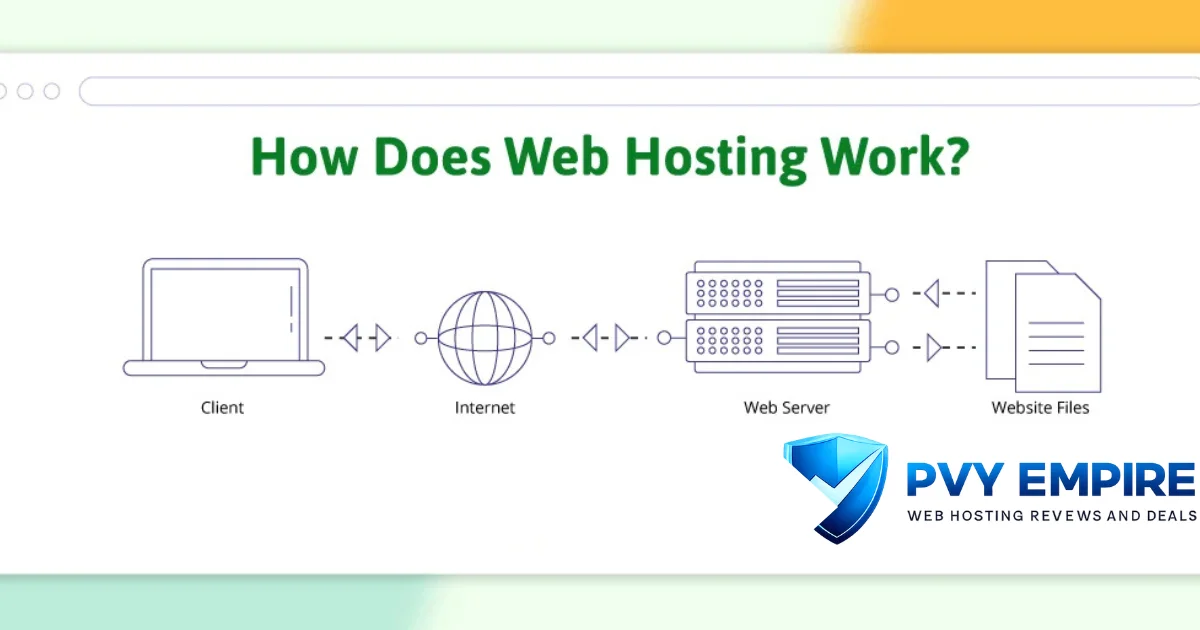
In short, a web hosting company rents you space on a computer called a server. That server stores every file your site needs: images, code, videos, the works. When someone types your domain into their browser, a quick DNS lookup points them to that server, which then sends your website straight to their screen.
Think of it like renting an apartment. The hosting provider owns the building; you rent a unit, and your website files live inside it. Without that rented space, there’s simply nowhere for your site to exist online, no matter how good your design looks on paper.
What is web hosting?
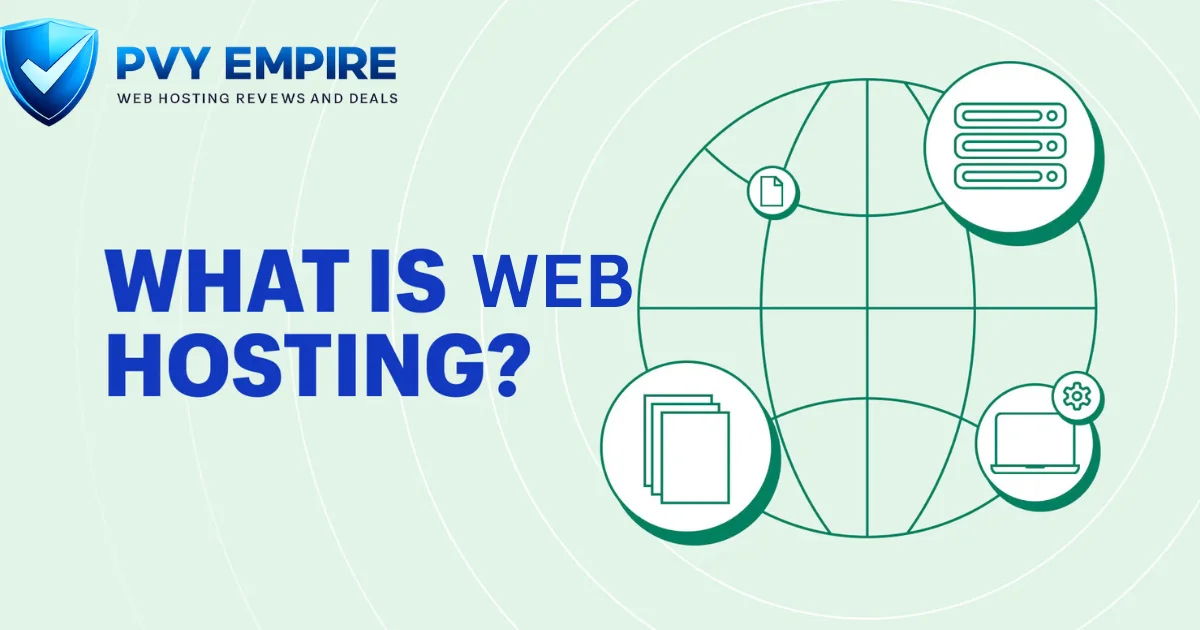
Web hosting is a service that stores your website’s files on a powerful, always-on computer called a web server. Instead of running your site from your laptop (which would need to stay on 24/7), you rent server space from a company that specializes in keeping things running smoothly.
That company, your hosting provider, handles the heavy lifting: power, internet connectivity, hardware upkeep, and much more. You just upload your files, point your domain at the server, and your site becomes visible to anyone with an internet connection, anywhere in the world.
Why do you need web hosting?
Here’s the blunt truth: no hosting means no website. Your domain name is just a label, like a street address with no house built on the lot yet. You need actual server space to store your pages, images, and databases so browsers have something to load.
Beyond the basics, a solid host affects things you’ll actually feel, like website speed, uptime, and security. A cheap, unreliable server can tank your search rankings and frustrate visitors who bounce after five seconds of buffering. Good hosting isn’t a luxury; it’s the foundation everything else sits on.
What does a web host do?
A web host stores your website files and makes them accessible any time someone visits your domain. It also handles server maintenance, software updates, and much of the technical plumbing you’d rather not think about, freeing you up to focus on running your actual business.
Most providers throw in extras too: email accounts, SSL certificates, daily backups, and customer support when things go sideways. Some hosts, especially managed hosting plans, go even further and handle security patches and performance tuning automatically, so you’re not left troubleshooting at midnight.
How does web hosting work?
Curious about the exact mechanics? Let’s trace what happens from the moment you buy a domain to the moment a stranger sees your homepage. It’s a five-step relay race, and every step matters for speed and reliability.
Nothing here requires a computer science degree, promise. Each piece hands off to the next one smoothly, kind of like a well-run kitchen where every station knows exactly what to do. Here’s the breakdown, step by step.
Step 1: You buy a domain name
First things first, you register a domain name through a domain registrar, like a memorable web address such as yourbusiness.com. This is your site’s identity online, but on its own, it doesn’t store anything. It’s just a name waiting for a home.
Step 2: Your website files are stored on a server
Next, you upload your website files, HTML, CSS, JavaScript, images, and databases onto a hosting server. This server holds everything and stays powered on around the clock so your site never technically “closes.”
Step 3: DNS connects your domain to the hosting server
Your domain and your server don’t automatically know about each other. DNS, short for Domain Name System, acts as a translator, converting your human-friendly domain into the numeric IP address your server actually uses to receive traffic.
Step 4: A visitor requests your website
When someone types your domain into their browser, that browser sends a request out into the internet. It asks, essentially, “Where does this domain live?” DNS answers almost instantly, pointing the request toward your hosting server’s IP address.
Step 5: The server delivers your website in a browser
Finally, your server receives that request and sends back the necessary files. The visitor’s browser assembles everything into the page they see, usually in well under a second if your host is fast and reliable.
Domain name vs web hosting: What’s the difference?
People mix these up constantly, and honestly, it’s an easy mistake. A domain name is your address; web hosting is the actual building. You need both, but they’re separate services, often bought from separate companies, though plenty of providers bundle them together for convenience.
Owning a domain without hosting is like having a mailbox with no house behind it. Likewise, hosting without a domain leaves your site sitting on a server with no easy way for visitors to find it. They work as a team, not interchangeably.
Types of web hosting
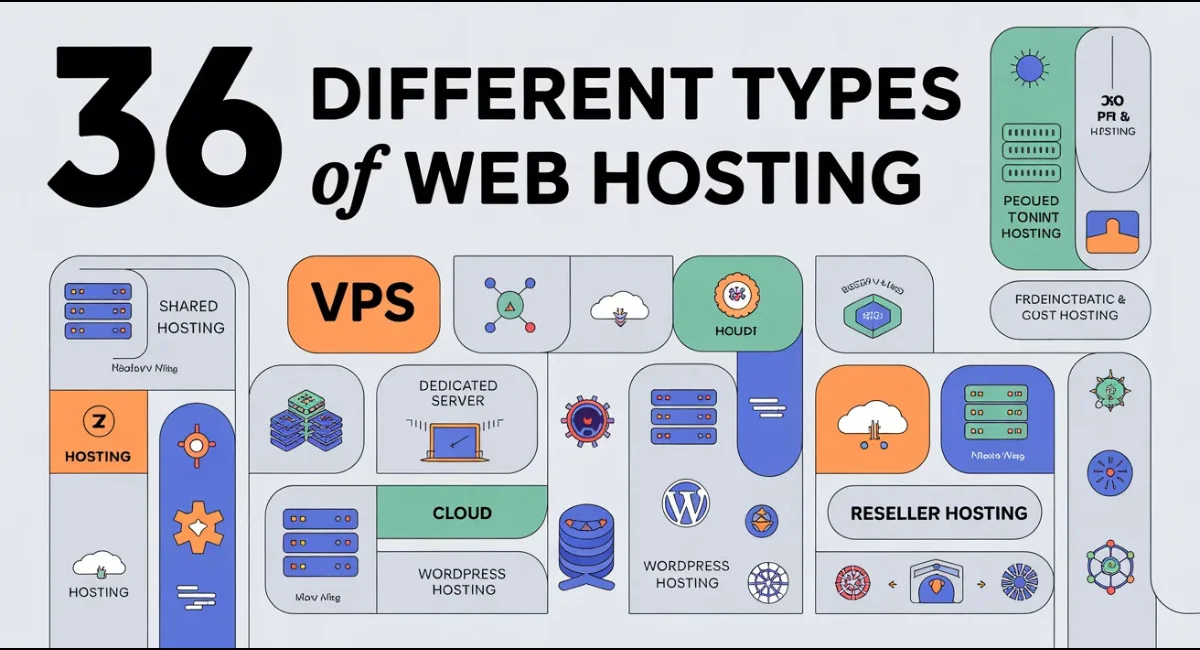
Not every website needs the same horsepower. A personal blog and a booming online store have wildly different needs, which is exactly why hosting comes in several flavors. Picking the right one saves you money and headaches down the road.
Here’s a quick side-by-side so you can see how they stack up before we dig into each type individually below.
| Hosting Type | Best For | Performance |
| Shared Hosting | Beginners, small sites | Basic |
| VPS Hosting | Growing sites | Moderate to high |
| Cloud Hosting | Traffic spikes, scalability | High, flexible |
| Dedicated Hosting | Large, high-traffic sites | Maximum |
| Managed Hosting | Hands-off owners | Varies by plan |
| WordPress Hosting | WordPress-specific sites | Optimized |
Shared Hosting: Best for Beginners and Small Websites
Shared hosting puts your site on the same server as dozens, sometimes hundreds, of other websites. It’s the cheapest option out there, which makes it a natural starting point for beginners, hobby blogs, or small local business sites without heavy traffic demands.
VPS Hosting: More Power and Better Performance
VPS, or virtual private server, hosting still shares a physical machine but divides it into isolated virtual sections. You get dedicated server resources, so your site’s performance won’t suffer just because a neighbor’s traffic spikes unexpectedly.
Cloud Hosting: Flexible and Scalable Hosting
Cloud hosting spreads your site across a network of connected servers instead of relying on just one. If traffic suddenly surges, additional resources kick in automatically, making this a smart pick for sites that expect unpredictable growth.
Dedicated Hosting: Maximum Performance and Control
With dedicated hosting, an entire physical server belongs to you and only you. It’s the priciest tier, but it delivers maximum speed, security, and customization, ideal for large enterprises or sites handling serious volumes of daily visitors.
Managed Hosting: Hands-Off Website Management
Managed hosting means your provider handles updates, security monitoring, and backups on your behalf. You still own the site, but you’re not the one losing sleep over server maintenance. It’s a great fit for busy owners who’d rather not touch the technical side.
WordPress Hosting: Hosting Optimized for WordPress Sites
WordPress hosting is fine-tuned specifically for WordPress sites, often including one-click installs, automatic plugin updates, and caching built for that platform. If your entire site runs on WordPress, this specialized setup usually outperforms generic plans.
Benefits of web hosting
Reliable hosting keeps your site fast, secure, and available whenever visitors show up, day or night. Good uptime means fewer lost sales and less frustration for anyone trying to reach you, whether that’s a customer checking out or a reader skimming your blog.
Beyond raw performance, quality hosting typically bundles in SSL certificates, spam filtering, and automated backups. Those extras protect your reputation and your data, saving you from scrambling after a crash or, worse, a security breach that could’ve been prevented entirely.
Common challenges of web hosting
Downtime is the big one nobody enjoys. Servers occasionally hiccup, whether from hardware failure, overloaded traffic, or scheduled maintenance, and even a few minutes offline can cost you visitors, sales, or search ranking momentum you worked hard to build.
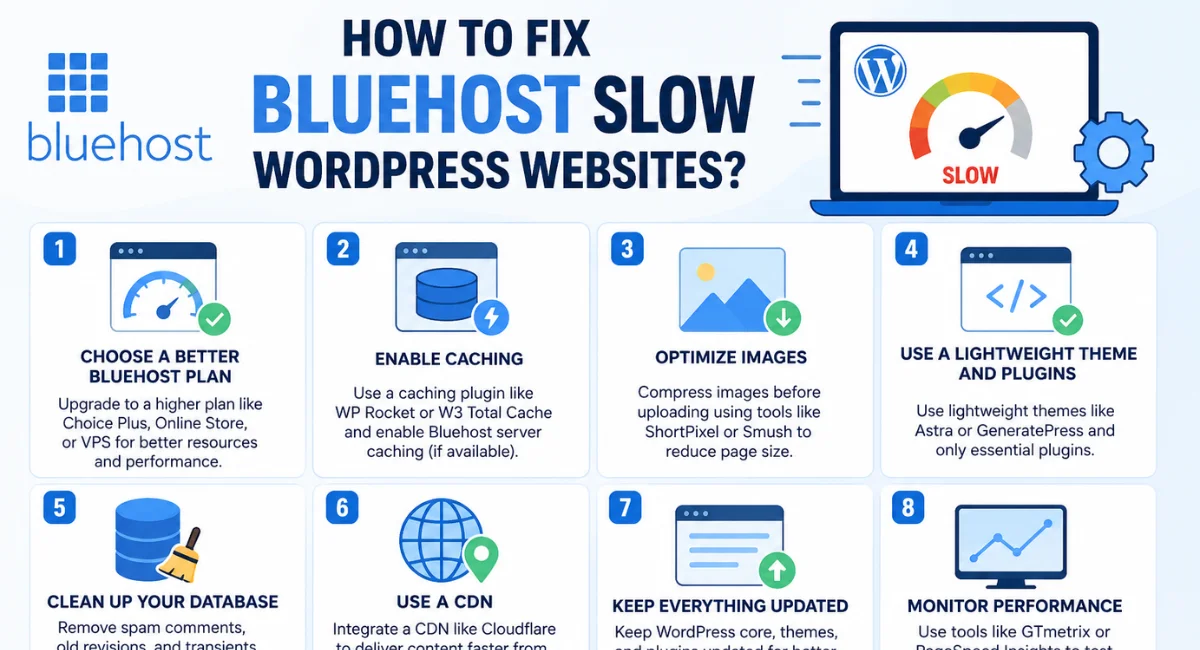
Security threats are another constant headache. Malware, brute-force login attempts, and outdated software can all open the door to trouble. Choosing a host with active monitoring, firewalls, and regular patching goes a long way toward keeping those risks at bay.
How to choose the right web hosting
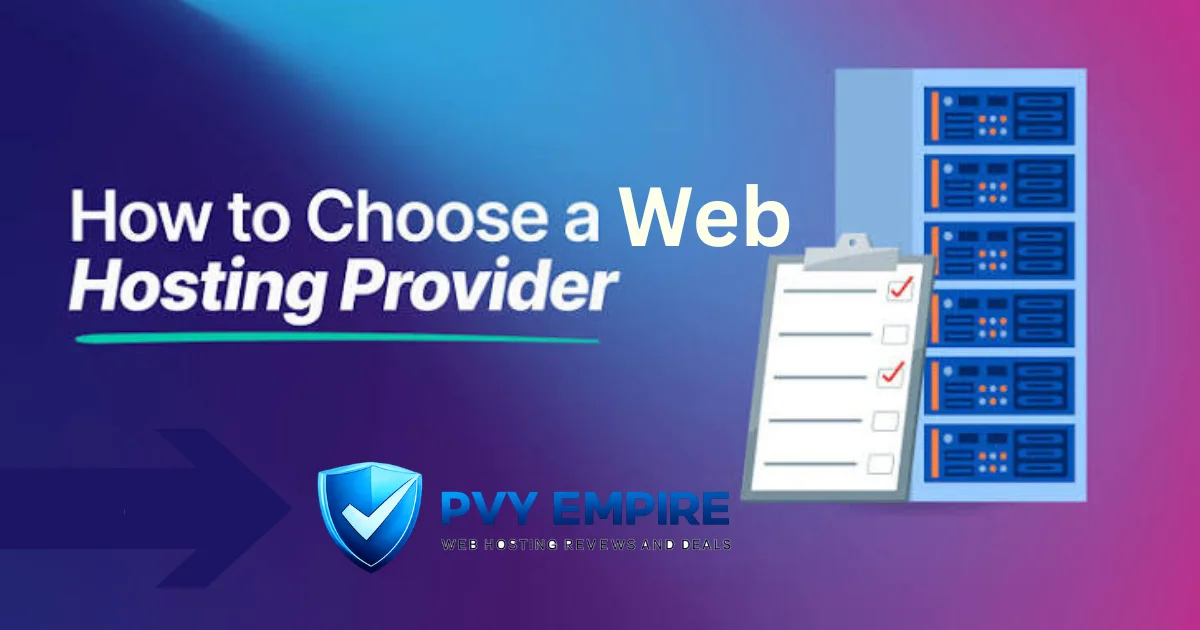
Start by being honest about your site’s actual needs. A five-page portfolio doesn’t need the same firepower as an e-commerce store processing hundreds of orders daily. Matching your hosting tier to your real traffic saves money without sacrificing performance.
From there, compare providers on uptime guarantees, customer support quality, and how easily you can upgrade later. A host that locks you into a rigid plan with no room to grow will eventually become a bottleneck instead of a launchpad.
What features should you look for in a web hosting provider?
Some features matter more than others, and it’s easy to get distracted by flashy extras that don’t actually move the needle. Focus on the fundamentals first: reliability, speed, and support, since those affect your visitors directly, every single day.
Below, we’ll walk through the seven features worth scrutinizing before you commit to any plan or provider.
Uptime
Uptime measures how often your site stays online and accessible. Look for guarantees of 99.9% or higher; anything lower means your site could be dark for hours each year, quietly costing you traffic and trust.
Speed and performance
Page load speed affects everything from user experience to search rankings. Servers with solid hardware, SSD storage, and CDN support tend to load pages noticeably faster than budget setups running on older infrastructure.
Storage and bandwidth
Storage is how much space your files take up; bandwidth is how much data flows in and out as visitors browse. Running short on either can slow your site down or trigger unexpected overage charges from your provider.
Security
Look for firewalls, malware scanning, and free SSL certificates included in your plan. These features quietly guard against the constant background noise of bots and hackers probing for weak, unpatched websites.
Backups
Automated backups are your safety net. If something breaks, whether from human error or an attack, regular backups let you restore your site quickly instead of rebuilding everything from scratch under pressure.
Customer support
Even experienced site owners hit snags eventually. Responsive, knowledgeable support, ideally available 24/7 through live chat, can turn a stressful outage into a quick fix instead of a multi-day ordeal.
Scalability
Your hosting should grow alongside your site. Look for providers that let you upgrade plans smoothly, without painful migrations, so a sudden traffic spike becomes a happy problem rather than a crisis.
How to get started with web hosting
Getting your site live involves fewer steps than most beginners expect. Once you understand the order of operations, the whole process usually takes less than an hour, even if you’ve never touched server settings before.
Here’s the straightforward path from zero to a working, published website.
Register a domain
Pick a domain name through a registrar and check availability. Keep it short, memorable, and easy to spell aloud, since you’ll be repeating it constantly in conversations, business cards, and marketing materials.
Choose a hosting plan
Match your plan to your site’s size and expected traffic. Beginners typically start with shared hosting, then upgrade later once their audience or product line grows beyond what a basic plan can comfortably handle.
Connect your domain
Point your domain’s nameservers to your hosting provider. This step tells the internet where to find your files. It can take a few hours to fully propagate, so don’t panic if changes aren’t instant.
Install your website or CMS
Most hosts offer one-click installs for platforms like WordPress. Choose a theme, install any core plugins you need, and start filling in your actual content, pages, images, and whatever else your site requires.
Launch your website
Double-check your links, test on mobile, and confirm your SSL certificate is active. Once everything checks out, you’re officially live and searchable, ready for real visitors to start showing up.
How does web hosting work with a website builder?
Website builders like Wix or Squarespace bundle hosting directly into their platform, so you don’t manage a separate server at all. You build your pages visually, and hosting happens automatically behind the scenes without any technical setup on your part.
This convenience trades off some flexibility. You typically can’t switch hosting providers independently, and customization options are more limited than a self-hosted WordPress site. Still, for beginners wanting speed over control, it’s a genuinely solid shortcut.
Conclusion
At its core, web hosting is simply renting space on a server so your website has somewhere real to live online. From domain registration to DNS lookups to the final page loading in someone’s browser, every step works together to get your content in front of actual people.
Whether you’re launching a personal blog or scaling an online store, picking the right hosting type and provider sets the tone for everything else. Get the fundamentals right early, and your website will thank you with better speed, stronger security, and far fewer 2 a.m. headaches
Frequently asked questions
Still have a few lingering questions? Here are quick, straightforward answers to the ones people ask most often when they’re just getting started with hosting.
Do I need web hosting to have a website?
Yes, absolutely. Without hosting, there’s no server storing your files, which means browsers have nothing to display when someone visits your domain.
Can I host my own website on my personal computer?
Technically, yes, but it’s rarely practical. Your computer would need to run 24/7 with a stable connection, which most home setups simply can’t reliably provide.
What is the difference between a domain name and web hosting?
A domain is your web address; hosting is where your files actually live. You need both working together for a functioning website.
Do I need web hosting if I already own a domain name?
Yes. Owning a domain alone doesn’t store any files. It’s just a name pointing nowhere until you connect it to a hosting server.
Can I move my website to another hosting provider later?
Absolutely, migration is common and usually manageable. Most hosts even offer free migration assistance to make the switch smoother.
Which type of hosting is best for a small business?
Shared or VPS hosting usually fits small businesses well, offering solid performance at a manageable price before you need anything more powerful.
Will web hosting make my website faster?
Yes, hosting quality directly affects speed. Better hardware, SSD storage, and CDN support all shave precious seconds off your page load times.

Alex Bryant is the founder of PvyEmpire.com and a WordPress specialist with over 4 years of hands-on experience in web hosting, performance optimization, and website management. He has extensively tested top hosting providers by setting up real websites and monitoring their speed, uptime, and reliability.
At PvyEmpire.com, Alex publishes honest, data-driven reviews, detailed guides, and verified coupons & deals. His goal is to help website owners choose the right hosting, improve performance, and grow their online presence with confidence—based on real testing, not promotions.