How to Choose a Web Hosting Provider: Beginner’s Guide
You’ve probably typed “best web hosting” into Google a dozen times now, only to close the tab feeling more confused than when you started. Every provider claims to be the fastest, the safest, the cheapest—so how do you actually tell them apart?
Maybe you’re launching your first website and don’t want to pick the wrong one. Or maybe a slow, glitchy host already burned you once, and you’re not about to let it happen again.
Here’s the good news: choosing a web hosting provider doesn’t have to feel like guesswork. This guide breaks down exactly what matters—speed, support, security, pricing—without the confusing jargon or sales pitch. By the end, you’ll know precisely what to look for and, more importantly, what to skip.

What Is a Web Hosting Provider?
A web hosting provider is a company that stores your website’s files on a web server and makes them available online. Think of it like renting space in a building. Your domain name is the address, and the hosting company keeps the lights on inside. Without one, your site simply doesn’t exist on the internet.
Most beginners assume hosting is a one-time setup they can forget about. That’s not quite true. The provider you pick affects everything from loading speed to how often your site crashes during a traffic spike. It’s the foundation everything else gets built on.
What Does a Web Hosting Provider Do?
A hosting company handles the technical heavy lifting so you don’t have to. It stores your website files, manages server resources, and keeps your site accessible around the clock.
Good providers also throw in extras like email hosting, backups, and a control panel for managing everything. Basically, it’s the engine running quietly behind your homepage.
Why Choosing the Right Provider Matters
Pick the wrong host, and you’ll feel it fast: sluggish load times, mysterious downtime, support tickets that vanish into a void. Search engines notice too—slow sites tend to rank lower.
That’s why choosing a web hosting provider carefully upfront saves you from a painful, costly switch later. A little research now beats a migration headache down the road.
How to Choose the Right Web Hosting Provider (Step-by-Step)
There’s no universal “best” host. What works for a photographer’s portfolio won’t cut it for a busy online store. The right pick depends on your site’s purpose, expected traffic, and how much technical tinkering you’re willing to do yourself.
Below, we’ll walk through ten practical steps. Follow them in order, and you’ll land on a hosting plan that actually fits, not one you just settled for because it was cheap.
Step 1: Understand Your Website’s Needs
Before comparing plans, figure out what you’re actually building. A personal blog needs far less horsepower than a business website juggling client inquiries. Portfolio sites lean on visuals, so storage matters more.
An eCommerce store, meanwhile, needs speed and security since real money changes hands. A high-traffic website needs resources that scale without buckling under pressure.
Step 2: Choose the Right Type of Web Hosting
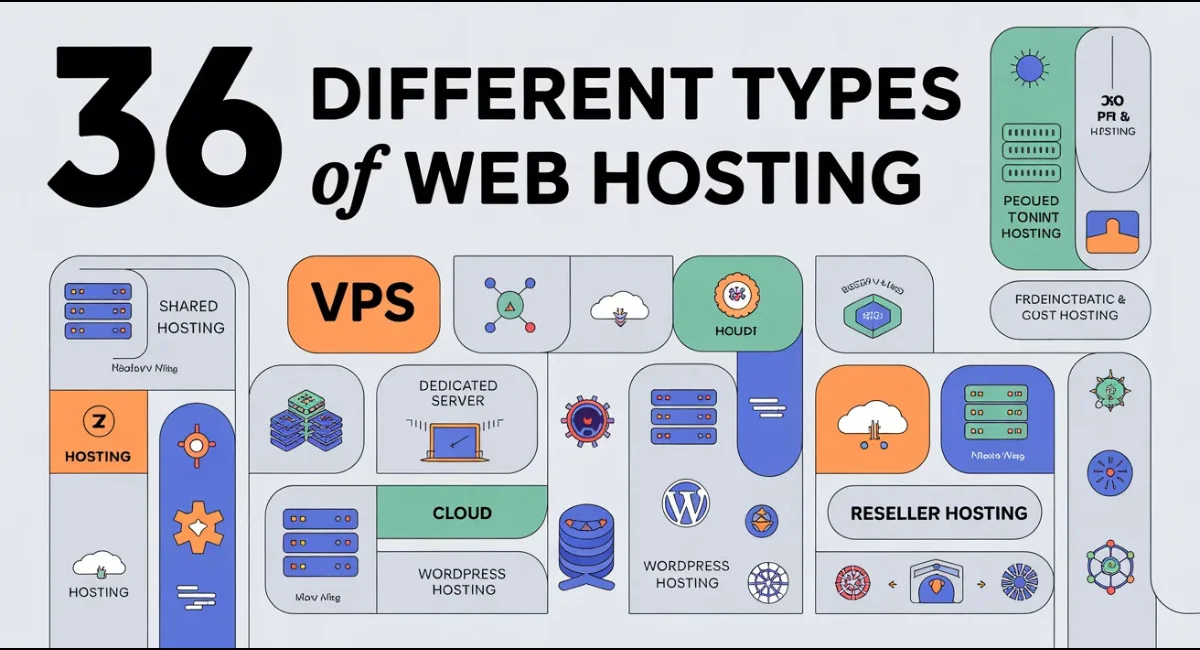
Hosting isn’t one-size-fits-all; it comes in several flavors, each suited to different needs:
- Shared hosting – affordable, beginner-friendly, but resources are split among many sites
- VPS hosting – a virtual private server offering more control and dedicated resources
- Cloud hosting – flexible and scalable, pulling resources from multiple servers
- WordPress hosting – optimized specifically for WordPress websites
- Dedicated hosting – an entire server just for you, built for heavy traffic
- Reseller hosting lets you host multiple client sites under one account
- Managed hosting – the provider handles updates, security, and maintenance for you
Start small with shared hosting if you’re just getting going. You can always upgrade once your traffic actually demands it.
Step 3: Check Speed and Performance
Website speed isn’t a nice-to-have anymore; it’s a ranking factor. Look for SSD or NVMe storage, since both blow traditional hard drives out of the water. Check whether the provider runs LiteSpeed, Apache, or NGINX, as server software affects response times directly.
CDN support matters too, spreading your content across global data centers so pages load fast no matter where visitors are. Also glance at Core Web Vitals and server response time (TTFB)—these numbers quietly shape both user experience and search rankings.
Step 4: Look for Strong Security Features
Security shouldn’t be an afterthought, especially if you’re handling customer data. A solid provider includes free SSL by default, encrypting traffic between your site and its visitors.
Malware protection and DDoS protection guard against attacks before they cause damage. Automatic backups mean you’re never one bad update away from disaster. Look for a web application firewall and two-factor authentication as added layers of defense.
Step 5: Check Uptime and Reliability
If your site’s down, you’re losing visitors, sales, and credibility all at once. Aim for a provider offering a 99.9% uptime guarantee, backed by real server monitoring rather than empty marketing copy.
Check whether they publish an SLA (service level agreement) that spells out compensation if uptime falls short. Reliability isn’t glamorous, but it’s non-negotiable.
Step 6: Evaluate Customer Support
Even confident site owners hit snags eventually. That’s when support quality really shows its worth. Look for 24/7 live chat, phone support, and ticket support so you’ve got options depending on urgency.
A solid knowledge base helps you troubleshoot small issues yourself. Pay attention to how quickly they actually respond, not just what they promise on the sales page.
Step 7: Compare Pricing and Renewal Costs
That flashy introductory pricing? It rarely lasts. Many hosts lure you in cheap, then hike renewal pricing dramatically once your first term ends.
Read the fine print for hidden fees tacked onto add-ons like backups or SSL. A generous money-back guarantee signals confidence in their own service, so treat it as a good sign.
Step 8: Make Sure the Host Can Scale
Your five-visitors-a-day blog might not stay that way forever. Choose a provider offering easy upgrades, so growing pains don’t force a full migration.
Resource scaling lets you add CPU, RAM, or storage without downtime. Cloud expansion options give you room to grow without hitting a wall.
Step 9: Check Ease of Use
Not everyone wants to mess with server code, and that’s fine. A clean control panel, like cPanel or Plesk, makes daily management painless. One-click WordPress install saves you hours of manual setup.
A built-in website builder helps if you’re starting from scratch. Don’t forget email hosting either, since a professional address builds trust fast.
Step 10: Read Real Customer Reviews
Marketing pages tell you what a company wants you to hear. Real users tell you what actually happens. Check Trustpilot for broad satisfaction trends, then browse Reddit threads for unfiltered, sometimes brutally honest opinions.
Independent review sites round out the picture with side-by-side comparisons you won’t find on the provider’s own homepage.
Features Every Good Web Hosting Provider Should Have
Strip away the marketing, and a handful of features actually separate good hosts from mediocre ones. Free SSL, a real uptime guarantee, responsive support, and an intuitive control panel form the baseline. Anything less, and you’re settling for less than you deserve.
Beyond the basics, look for CDN integration, automatic backups, and clear scalability options. These aren’t luxury add-ons; they’re what keeps a growing website from hitting a wall six months in. If a plan skips most of these, keep shopping.
Common Mistakes to Avoid When Choosing Web Hosting
The most common trap? Chasing the lowest price without reading what’s actually included. Cheap hosting often means shared resources stretched thin, sluggish speeds, and support that takes days to respond. Another mistake is ignoring renewal pricing entirely, only to get blindsided by a bill that’s triple the first-year rate.
People also underestimate future growth, picking a plan that fits today but chokes the moment traffic spikes. Skipping reviews is another slip-up; a shiny website doesn’t guarantee reliable service behind the scenes. Take your time here—rushing this decision almost always costs more later.
Best Web Hosting Providers for Beginners
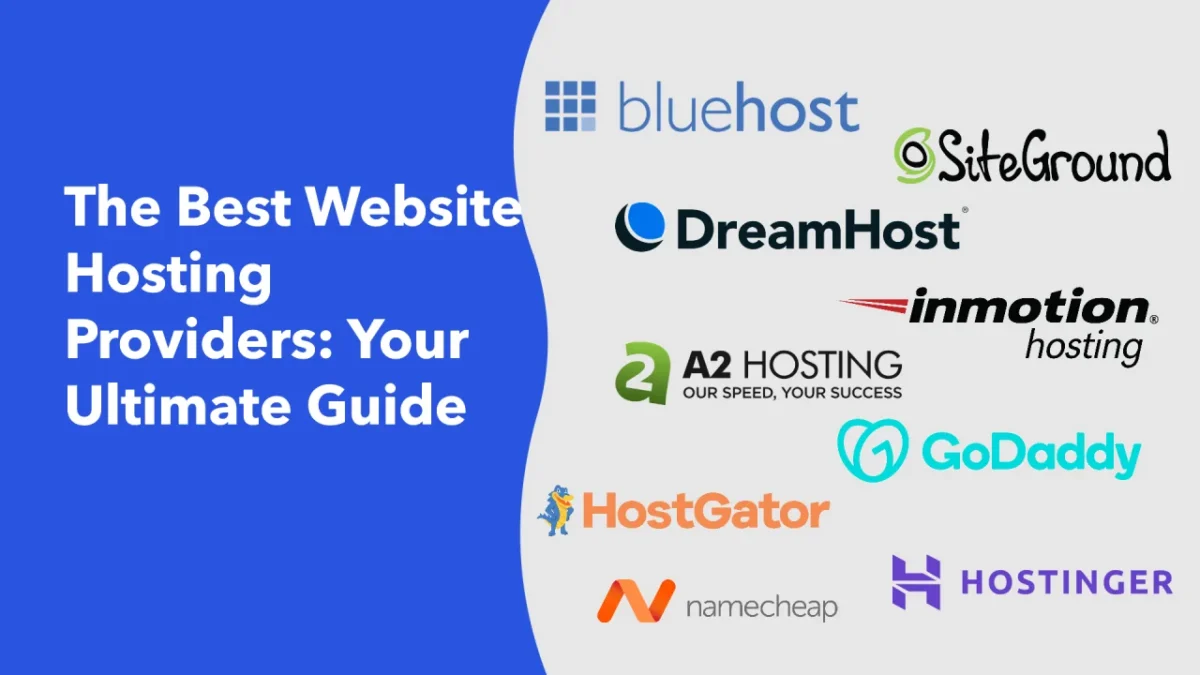
Not sure where to start looking? These five names come up constantly in beginner-friendly hosting comparisons, each with its own strengths worth weighing.
Hostinger
Hostinger built its reputation on affordable plans without skimping on speed. It’s a favorite for personal blogs and small business sites thanks to its simple control panel and solid performance for the price. Beginners tend to appreciate how little setup friction there is.
SiteGround
SiteGround leans into strong customer support and reliable uptime, making it popular with WordPress users specifically. Its caching technology and security tools punch above the price point. It’s pricier at renewal, so factor that into your budget.
Bluehost
Bluehost is officially recommended by WordPress itself, which says something about its compatibility. It bundles a free domain for the first year and offers a straightforward one-click installer. Support quality has drawn mixed reviews over time, so check recent feedback.
HostGator
HostGator offers flexible plans ranging from shared to dedicated hosting, giving room to grow within one company. Its unlimited bandwidth claims attract budget-conscious buyers. Just watch for the renewal price jump, a common theme across budget hosts.
IONOS
IONOS stands out with competitive introductory pricing and solid data center infrastructure across multiple regions. It suits users who want flexibility without committing to a single ecosystem long-term.
The interface feels slightly less polished than some competitors, though functionality holds up.
How to Compare Two Web Hosting Providers
When you’ve narrowed things down to two finalists, compare them side by side rather than relying on gut feeling. Line up uptime guarantees, renewal pricing, storage limits, and support channels in a simple table. Numbers make the differences obvious in ways marketing copy never will.
Beyond the spec sheet, weigh intangibles too. How fast did their support team respond to a pre-sales question? Do reviews mention consistent problems, or just occasional gripes? A provider that scores well on paper but has a pattern of complaints deserves a second look before you commit.
Conclusion
Picking a host doesn’t need to feel overwhelming once you know what actually matters. Focus on speed, security, uptime, and support, and the rest tends to fall into place naturally. Your website’s success depends on this foundation, so it’s worth the extra ten minutes of research.
Start with your site’s real needs, not the flashiest discount banner you see. A thoughtful choice today saves you a messy migration tomorrow, and that’s a trade-off worth making every time.
FAQs – Learn how to choose a web hosting provider
How do I choose a web hosting provider?
Match the plan to your site’s needs, then compare speed, uptime, security, and support before checking renewal pricing.
Which hosting is best for beginners?
Shared hosting from providers like Hostinger or Bluehost usually offers the easiest, most affordable starting point.
Which hosting type should I choose?
Start with shared hosting for small sites, then move to VPS or cloud hosting once traffic grows.
How much should web hosting cost?
Budget hosting starts around a few dollars monthly, though renewal pricing often climbs significantly after the first term.
Can I change my hosting provider later?
Yes, most hosts offer free website migration tools or support to help move your site without much hassle.
Does hosting affect SEO?
Absolutely. Slow speeds and frequent downtime hurt Core Web Vitals, which directly influence search rankings.
Is free web hosting worth it?
Rarely. Free plans usually come with ads, limited storage, and no real support, making them impractical beyond quick tests.

Alex Bryant is the founder of PvyEmpire.com and a WordPress specialist with over 4 years of hands-on experience in web hosting, performance optimization, and website management. He has extensively tested top hosting providers by setting up real websites and monitoring their speed, uptime, and reliability.
At PvyEmpire.com, Alex publishes honest, data-driven reviews, detailed guides, and verified coupons & deals. His goal is to help website owners choose the right hosting, improve performance, and grow their online presence with confidence—based on real testing, not promotions.