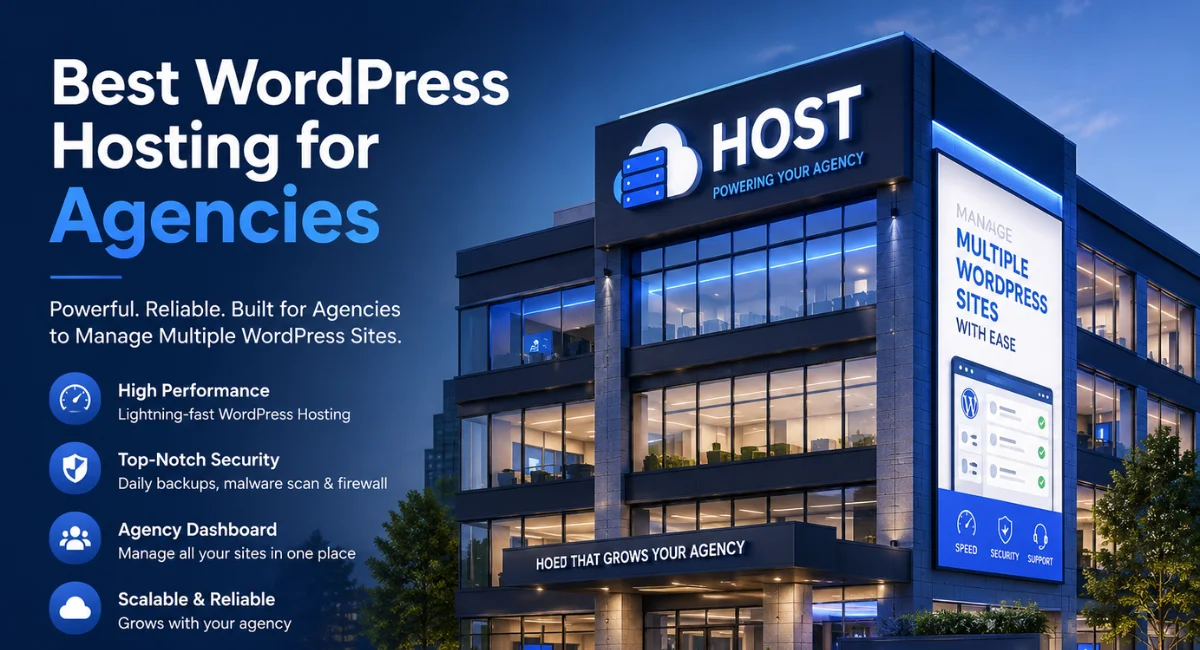
14 Best WordPress Hosting for Agencies Compared
Managing websites for multiple clients sounds like a dream business — until your hosting starts letting you down. Slow load times, surprise downtime during a client presentation, and support that takes forever to respond can turn a smooth agency operation into a stressful juggling act.
If you’ve been burned before, you’re not alone — finding the best WordPress hosting for agencies is one of those things that sounds simple but really isn’t.
That’s exactly why we put this guide together. We’ve broken down the top hosting options built with agencies in mind — covering speed, scalability, white-label features, and the kind of support that actually shows up when you need it.
By the end, you’ll have a clear picture of which hosting fits your agency’s size, budget, and client demands — so you can stop second-guessing and start scaling.
Key Takeaways
Before we dive in, here’s a quick summary of what you’ll find in this guide. If you’re short on time, these points will steer you in the right direction.
- WP Engine and Kinsta are the top picks for enterprise-level agencies that need rock-solid performance and advanced developer tools.
- Flywheel is a standout choice for creative agencies — it’s built around the agency workflow with white-label features and a polished client management system.
- Cloudways gives you the most flexibility on infrastructure, letting you pick between AWS, Google Cloud, and more — all without managing servers yourself.
- Rocket.net wins on raw speed, thanks to its full Cloudflare Enterprise integration built into every plan.
- Hostinger and A2 Hosting are solid picks for agencies working within a tighter budget without sacrificing too much on performance.
- For WooCommerce-heavy agencies, Nexcess is the most feature-complete option available today.
No matter where you are — a solo freelancer managing five sites or a 30-person agency handling hundreds — there’s a hosting solution on this list built for you.
Selection Criteria for Agencies
Picking the right host for your agency isn’t the same as picking one for a personal blog. Your clients are counting on you, and a bad hosting decision reflects directly on your reputation. So what actually matters when you’re evaluating options?
Here’s what we looked at when building this list: performance and uptime reliability, since anything below 99.9% is simply unacceptable for client sites. We also weighed scalability, because your agency will grow, and your hosting needs to grow with it.
White-label features, staging environments, multisite management, and developer tools like SSH access, Git integration, and WP-CLI all played a big role. Finally, pricing transparency and support quality were non-negotiable — especially since client emergencies don’t wait for business hours.
What is WordPress Hosting?
WordPress hosting is a type of web hosting specifically configured and optimized to run WordPress sites. Unlike generic shared hosting, WordPress-specific hosts tune their server environments — including PHP versions, caching layers, and database configurations — to get the best possible performance out of the platform.
For agencies, the conversation usually comes down to managed WordPress hosting vs. cloud hosting. Managed hosting means the provider handles updates, backups, security, and optimization for you.
Cloud hosting (like Cloudways) gives you more control over the underlying infrastructure — you choose your cloud provider (AWS, Google Cloud, DigitalOcean, etc.) and the host manages the platform layer on top.
Both have their place, and the right choice depends on how much technical control your team wants versus how much you’d rather hand off.
My Methodology
To put this guide together, I evaluated each host across a consistent set of criteria — the same things any agency owner should care about. I didn’t just read spec sheets; I looked at real-world performance data, uptime track records, feature depth, and how each platform handles the day-to-day realities of managing multiple client sites.
Specifically, I scored each provider on: server speed and Core Web Vitals performance, uptime guarantees and track records, staging environment quality, backup and recovery tools, white-label and reseller capabilities, and developer-friendly features.
(SSH, Git, WP-CLI, local dev tools), support responsiveness, and pricing relative to features. This wasn’t a quick afternoon exercise — the goal was to give you a genuinely useful expert guide, not just a rehash of marketing copy.
14 Best WordPress Hosting for Agencies
Here are the 14 best hosting solutions for professional web design agencies, ranked and reviewed in detail.
WP Engine: The Industry Standard for Enterprise Agencies
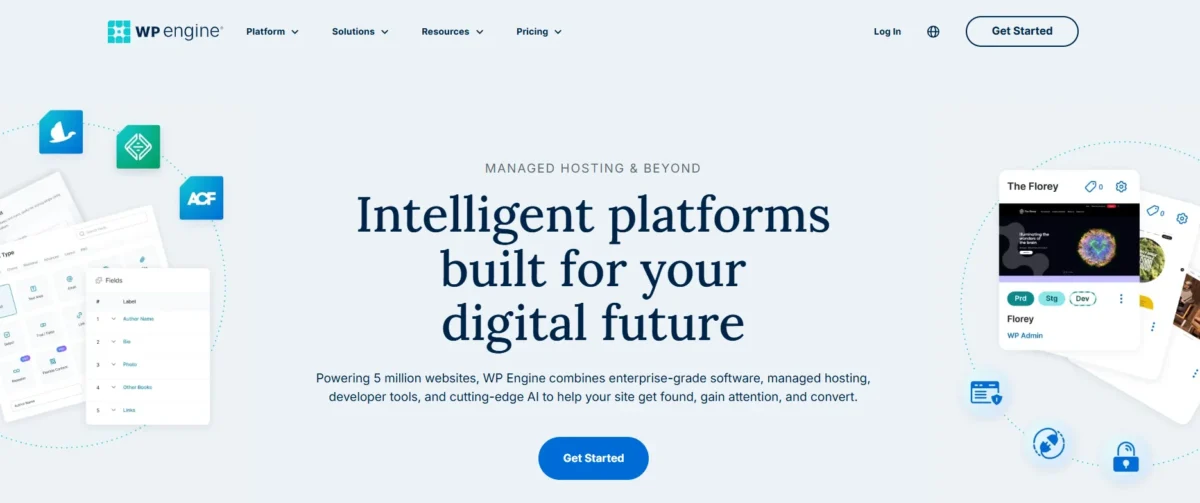
WP Engine has been the name that serious WordPress agencies trust for over a decade. It’s not the cheapest option on this list, but it earns its price tag through enterprise-grade infrastructure, a deeply agency-friendly feature set, and some of the best managed WordPress hosting available anywhere.
If your agency handles high-traffic sites or works with larger clients who demand reliability, WP Engine is hard to beat.
What really sets it apart for agencies is the Agency Partner Program — a dedicated plan structure with volume discounts, a co-selling program, and access to exclusive resources.
The platform is built on Google Cloud and AWS, and every plan includes EverCache technology for blazing-fast load times. Support is available 24/7 and consistently earns high marks, which matters enormously when a client site goes down at 2 a.m.
Key Features
- Managed WordPress hosting built specifically for enterprise and agency use
- Powered by Google Cloud Platform and AWS infrastructure
- Proprietary EverCache caching technology for superior WordPress speed optimization
- One-click staging environments for safe testing before deployment
- Automated daily backups with one-click restore
- Free SSL certificates and a built-in website security firewall
- 35+ premium StudioPress themes included with all plans
- Global CDN (content delivery network) is included across all plans
- SSH access, WP-CLI, and Git integration for developer-friendly workflows
- Agency Partner Program with volume pricing and co-marketing resources
- Multisite management through the centralized User Portal
- 99.99% uptime guarantee backed by SLA
Pros and Cons
Pros:
- Outstanding performance and reliability for high-traffic WordPress sites
- Excellent agency-specific features, including the Partner Program
- World-class 24/7 support with WordPress expertise
Cons:
- Significantly more expensive than most competitors
- Local development tool (Local) is separate and not fully integrated
- Storage limits can feel restrictive on lower-tier plans
Kinsta: High-Performance Infrastructure on Google Cloud
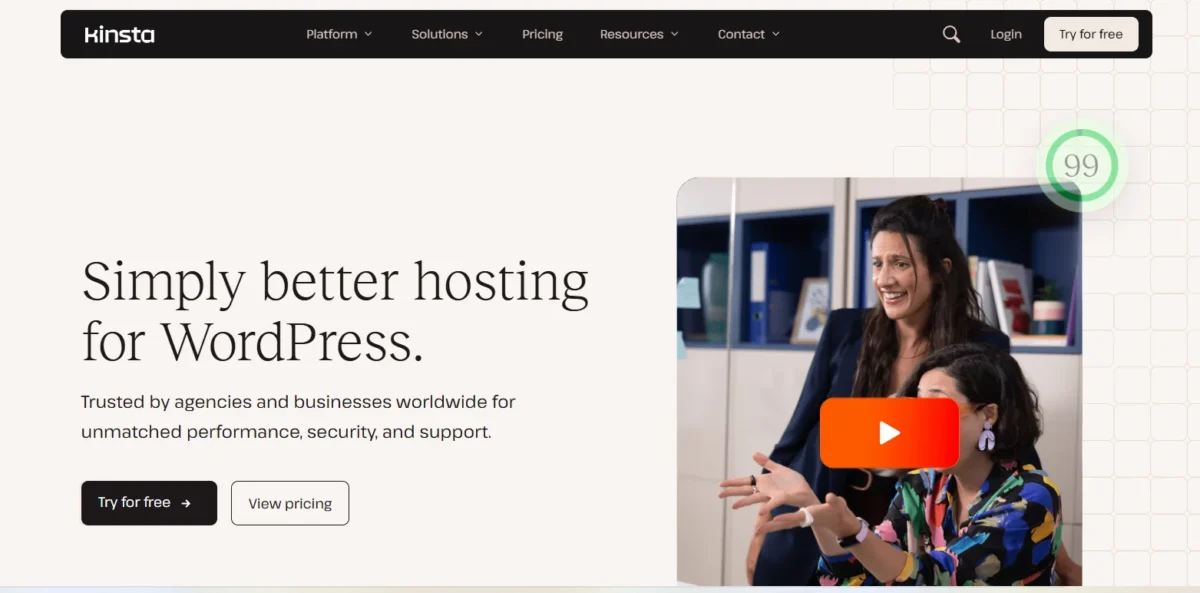
Kinsta is one of the most respected names in the managed WordPress hosting space — and for good reason. Every site on Kinsta runs exclusively on Google Cloud Platform’s premium tier network, which means low latency and fast load times regardless of where your clients’ users are located. It’s a genuinely premium product built for agencies and developers who care deeply about performance.
The MyKinsta dashboard is one of the cleanest and most capable hosting dashboards in the industry. From one place, you can manage all your client sites, set up staging environments, monitor performance analytics, and handle DNS — all without switching between tools.
Kinsta also offers a generous agency program with commissions on referrals, making it attractive for agencies looking to add a revenue stream.
Key Features
- Exclusively hosted on Google Cloud Platform (premium tier network)
- C2 compute-optimized machines for maximum server performance optimization
- Free WordPress migrations for all new accounts
- One-click staging environments with push-to-live functionality
- Automatic daily backups with hourly and on-demand backup add-ons
- Built-in Cloudflare integration for DDoS protection and a global CDN
- Free SSL certificates are included on all plans
- Advanced analytics, including PHP error logs, slow query logs, and cache performance
- SSH access, Git, WP-CLI, and SFTP for developer-friendly workflows
- MyKinsta multisite dashboard for managing all client sites in one place
- 99.9% uptime guarantee with a detailed SLA
- Agency referral program with recurring commissions
Pros and Cons
Pros:
- Exceptional speed and stability on Google Cloud infrastructure
- Best-in-class dashboard for agency site management
- Transparent, reliable uptime track record
Cons:
- Premium pricing — one of the more expensive options on this list
- No email hosting included (you’ll need a third-party provider)
- Visitor limits on plans can catch fast-growing sites off guard
Flywheel: The Creative Agency’s Secret Weapon
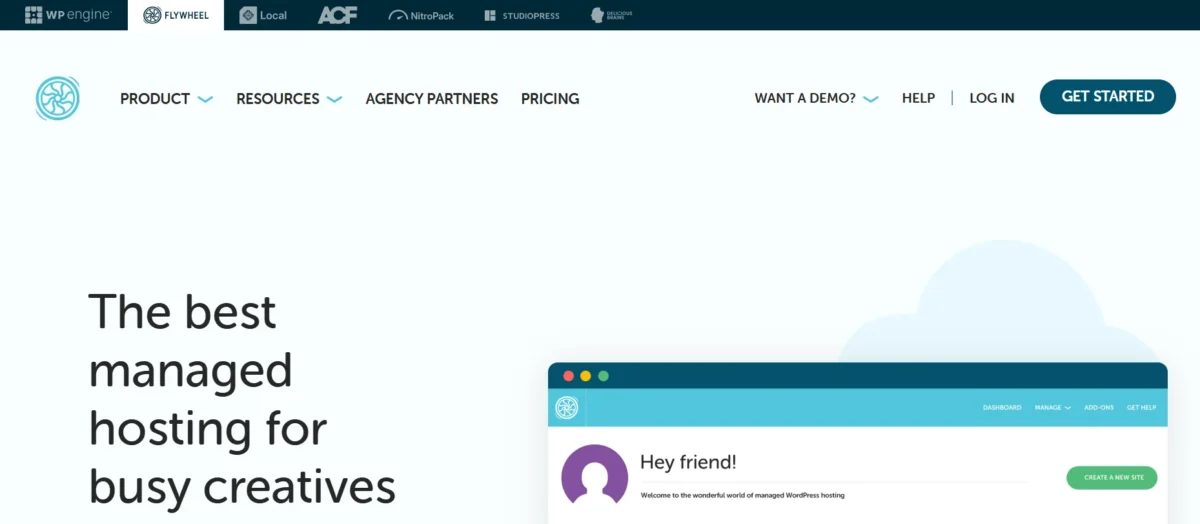
Flywheel was built from the ground up with creative agencies in mind — and it shows in every corner of the product. It was acquired by WP Engine in 2019 but still operates as a distinct brand with its own workflow, dashboard, and agency-focused feature set.
If your team is design-led and you want a hosting experience that fits naturally into your creative process, Flywheel is the most polished option available.
The Growth Suite plan is where Flywheel really shines for agencies. It bundles all your client sites under one account, allows you to spin up new site blueprints instantly, and offers white-label client reporting.
You can transfer billing directly to clients with a single click — a feature that saves real time every month. The platform is also deeply integrated with Local by Flywheel, one of the best local WordPress development environments available.
Key Features
- Agency-first platform with an intuitive, design-friendly interface
- The Growth Suite plan is designed specifically for web design agencies
- White-label hosting with client-facing dashboards and branded reporting
- Blueprint feature for spinning up preconfigured WordPress installs instantly
- One-click staging environments with collaboration tools for clients
- Automated nightly backups with easy restore points
- Free SSL certificates and built-in CDN for faster global delivery
- Free site migrations handled by the Flywheel team
- Local by Flywheel integration for seamless local development
- Client billing transfer — invoice clients directly through the platform
- Bulk site management from a single dashboard
- 24/7 support with WordPress specialists
Pros and Cons
Pros:
- Best white-label hosting experience for client-facing agencies
- Growth Suite offers outstanding value for agencies managing many sites
- Local by Flywheel integration makes development workflows smooth
Cons:
- Performance doesn’t quite match Kinsta or WP Engine at the top tier
- Growth Suite pricing can be steep for smaller agencies
- Less flexibility for highly custom or developer-heavy server configurations
SiteGround: The Best Value for Scaling Agencies

SiteGround has earned a reputation as one of the most reliable mid-market hosts in the WordPress ecosystem.
It’s officially recommended by WordPress.org, and for good reason — the platform consistently delivers solid performance, reliable uptime, and a thoughtful feature set at a price point that growing agencies can actually sustain. It’s the best cost-effective WordPress hosting for web design agencies that don’t need enterprise-level pricing.
The SiteGround Agency Program gives agencies discounted pricing across multiple client accounts, priority support, and access to a dedicated partner manager. The platform also includes a Site Tools dashboard with a clean UX that makes managing multiple WordPress installations straightforward.
Migration tools are built in, and the free site migration service covers the first transfer — a nice touch for agencies onboarding new clients.
Key Features
- WordPress-optimized hosting with official WordPress.org recommendation
- Proprietary SuperCacher technology for WordPress speed optimization
- Free SSL certificates and a built-in CDN powered by Cloudflare
- One-click staging environment for every site
- Daily automated backups with 30-day backup history
- Free website migration service for new accounts
- SSH access and WP-CLI for developer-friendly workflows
- SiteGround Agency Program with volume discounts and partner support
- Git integration and staging-to-production push functionality
- Managed WordPress auto-updates and security patching
- Email hosting is included with all plans
- AI-powered security tools and website security firewall
Pros and Cons
Pros:
- Excellent value — strong features at a competitive price point
- Renewal pricing is more transparent than that of many competitors
- Reliable performance and consistently strong uptime
Cons:
- Storage limits are relatively modest on lower-tier plans
- Phone support isn’t available — chat and tickets only
- Shared hosting plans can show performance dips during traffic spikes
Cloudways: Total Control and Infinite Scalability
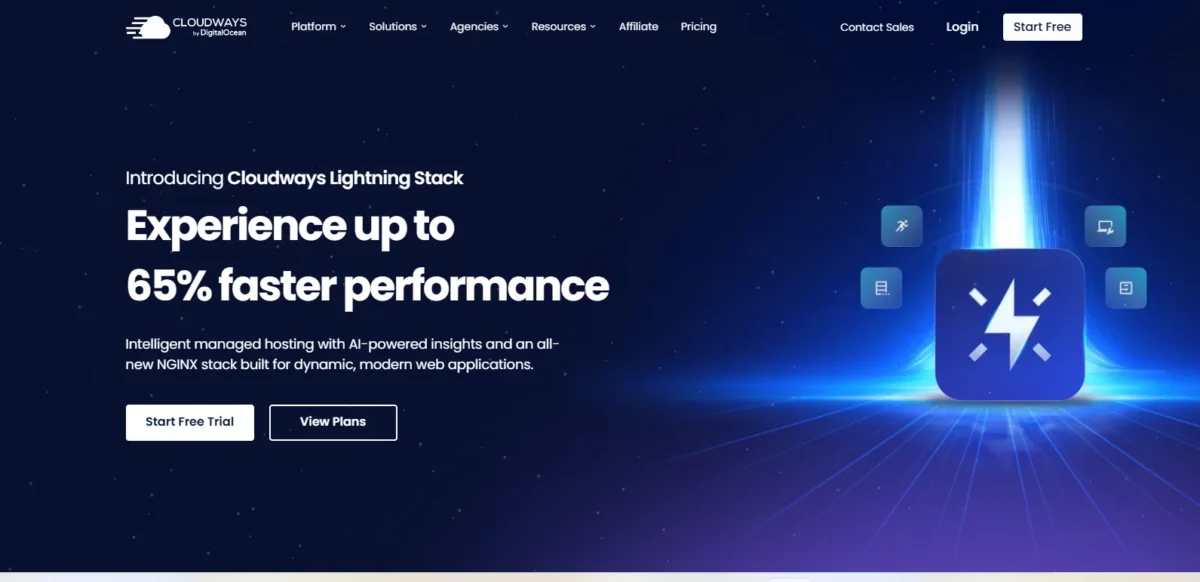
Cloudways sits in a category of its own. It’s not a traditional host — it’s a managed cloud hosting platform that lets you deploy WordPress sites on top of major cloud providers, including AWS, Google Cloud, DigitalOcean, Vultr, and Linode.
You get the power of scalable cloud hosting without having to manage raw servers yourself. For technically confident agencies that want maximum control, it’s an outstanding choice.
The real strength of Cloudways is flexibility. You can scale server resources up or down in real time, choose the data center closest to your clients, and manage everything through a clean, intuitive dashboard.
Cloudways also offers white-label WordPress hosting through its Cloudways Agency partnership program, plus a reseller model that lets agencies manage client billing under their own brand. It’s one of the few platforms that genuinely scales from a two-person shop to an agency managing 100+ sites.
Key Features
- Managed cloud hosting on AWS, Google Cloud, DigitalOcean, Vultr, and Linode
- Real-time vertical and horizontal server scaling
- ThunderStack technology (Nginx, Varnish, Redis, Memcached) for extreme performance
- Free SSL certificates and Cloudflare CDN integration
- Automated daily backups with one-click restore
- Staging environment for every WordPress application
- SSH access, SFTP, WP-CLI, and Git for developer-friendly workflows
- Team collaboration features with role-based access control
- White-label reseller hosting for agencies and freelancers
- Pay-as-you-go pricing — no fixed contracts
- Cloudways Bot for automated real-time server monitoring and alerts
- Agency partnership program with volume discounts and co-marketing
Pros and Cons
Pros:
- Unmatched flexibility — choose your cloud infrastructure provider
- Extremely scalable — grows with your agency without switching platforms
- Transparent pay-as-you-go pricing with no surprise renewal hikes
Cons:
- Steeper learning curve than fully managed hosts like Kinsta or Flywheel
- Email hosting is not included — requires a third-party solution
- Support quality can vary depending on the tier you’re on
Rocket.net: The Speed King with Edge Integration
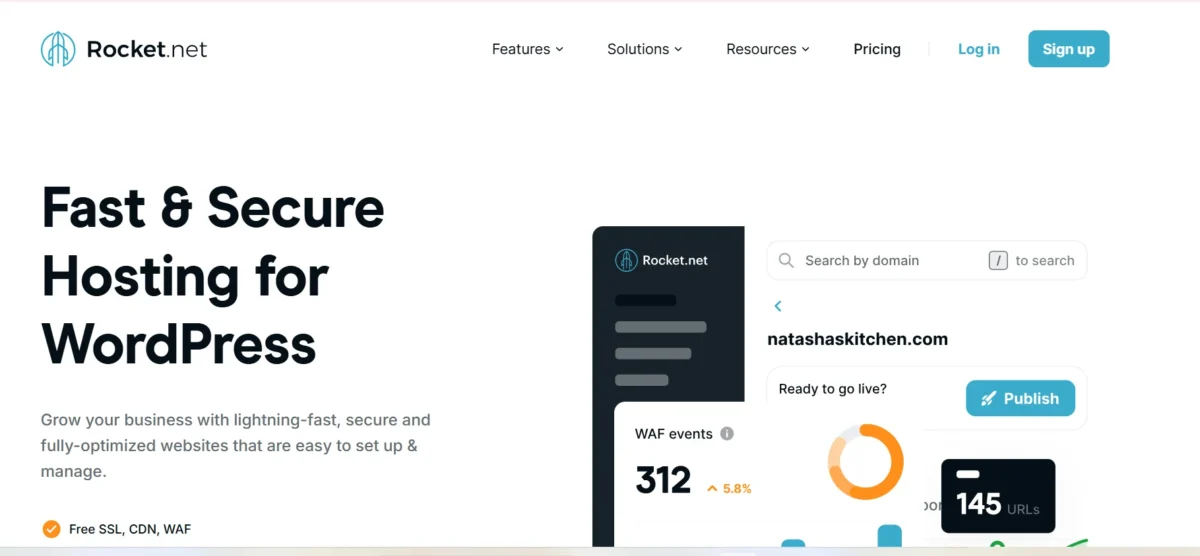
Rocket.net is one of the newer entrants on this list, but has quickly earned a reputation as one of the fastest WordPress hosts available. The secret? Every single plan — regardless of price — includes Cloudflare Enterprise integration.
That means enterprise-grade CDN, DDoS protection, and edge caching are baked into the product rather than bolted on as expensive extras. For agencies whose clients need top-tier Core Web Vitals scores, Rocket.net is a serious contender.
The platform is fully managed, meaning Rocket.net handles updates, security, and optimization behind the scenes. It’s not the most feature-rich option in terms of developer tooling, but for agencies focused on speed and SEO performance for client sites, it punches well above its weight class.
Rocket.net vs Kinsta comes down to this: Rocket wins on raw edge performance, Kinsta wins on dashboard depth and developer tooling.
Key Features
- Full Cloudflare Enterprise integration on every plan (included at no extra cost)
- Managed WordPress hosting with hands-off server management
- Global edge caching for superior Core Web Vitals optimization
- Free SSL certificates via Cloudflare
- Automated daily backups with easy restore
- One-click staging environments
- Built-in malware scanning and a robust website security firewall
- Image optimization and lazy loading are enabled by default
- WP-CLI and SFTP access for technical teams
- Free WordPress site migrations handled by their team
- 100% SSD NVMe storage on all plans
- 24/7 expert WordPress support
Pros and Cons
Pros:
- Fastest out-of-the-box performance thanks to Cloudflare Enterprise on every plan
- Excellent Core Web Vitals scores without extra configuration
- Straightforward, honest pricing with no major upsells
Cons:
- Less developer tooling compared to WP Engine or Kinsta
- Dashboard is functional but not as polished as competitors
- Fewer data center location choices than larger cloud platforms
Pressable: The Reliability of Automattic
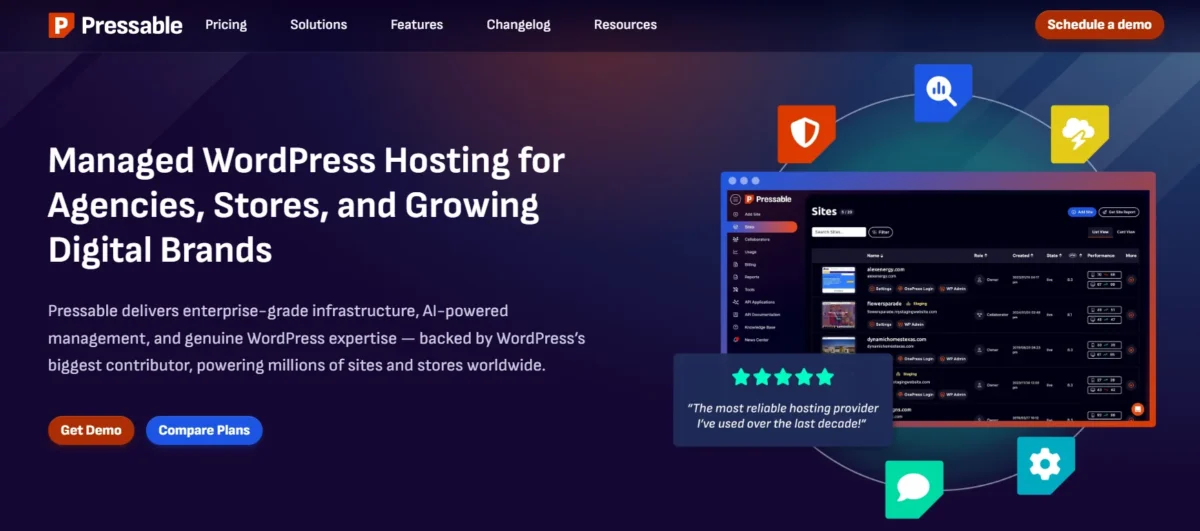
Pressable is owned by Automattic — the same company behind WordPress.com, Jetpack, and WooCommerce. That heritage matters. Pressable benefits from deep WordPress expertise at the infrastructure level and a genuinely reliable track record.
It’s not the flashiest option on this list, but it’s one of the most dependable, and for agencies that value stability above all else, that’s worth a lot.
The platform includes Jetpack baked in, which adds real value — you get automated backups, downtime monitoring, activity logs, and performance tools without paying extra.
Pressable also offers a clean reseller program for agencies, allowing you to manage all client sites from a single dashboard and handle billing on their behalf. If you’re looking for the reliability of Automattic’s infrastructure without the restrictions of WordPress.com, Pressable is the answer.
Key Features
- Backed by Automattic — the company behind WordPress.com and WooCommerce
- Jetpack Personal is included free on all plans (backups, security, performance tools)
- Automated daily backups with one-click restore from Jetpack VaultPress
- One-click staging environments with push-to-live
- Free SSL certificates and a global CDN
- Managed WordPress auto-updates and security monitoring
- SSH access, SFTP, and WP-CLI for developers
- Reseller program for agencies managing multiple client sites
- Centralized dashboard for managing all WordPress sites
- Free site migrations handled by Pressable’s team
- 99.9% uptime guarantee with a formal SLA
- 24/7 expert WordPress support
Pros and Cons
Pros:
- Exceptional reliability backed by Automattic’s deep WordPress expertise
- Jetpack includes and adds real value without extra cost
- Clean reseller program makes client billing easy
Cons:
- Performance doesn’t consistently match Kinsta or Rocket.net in speed benchmarks
- The feature set feels slightly conservative compared to more developer-focused hosts
- Agency-specific tooling is less advanced than Flywheel or WP Engine
Nexcess: Feature-Rich Hosting for E-commerce Agencies
Nexcess is the go-to choice for agencies that build and manage WooCommerce stores. It’s owned by Liquid Web — one of the most respected names in managed hosting — and its feature set reflects that heritage.
From automated performance testing to WooCommerce-specific optimizations, Nexcess is purpose-built for e-commerce agencies that need more than standard WordPress managed hosting.
What makes Nexcess stand out is its Iridium platform — an intelligent performance engine that automatically detects traffic spikes and scales resources accordingly. No manual intervention, no sudden slowdowns during Black Friday.
For agencies managing WooCommerce hosting for high-traffic online stores, that kind of automation is genuinely game-changing. The platform also includes advanced staging tools and plugin performance monitoring, so you can catch issues before they reach production.
Key Features
- Specialized managed WordPress and WooCommerce hosting platform
- Iridium performance platform with automatic scaling during traffic spikes
- WooCommerce-specific performance optimizations are built into the infrastructure
- Plugin performance monitoring with automatic alerts for problem plugins
- One-click staging environments with full database and file sync
- Automated nightly backups with 30-day retention
- Free SSL certificates and a global CDN
- Image compression and lazy loading are enabled by default
- Developer access via SSH, SFTP, and WP-CLI
- Visual regression testing tool to catch design changes after updates
- Free site migrations performed by Nexcess engineers
- 24/7 support from Liquid Web’s expert team
Pros and Cons
Pros:
- Best WooCommerce hosting features for e-commerce agencies
- Automatic performance scaling handles traffic spikes without manual intervention
- Plugin monitoring catches issues before they impact clients
Cons:
- Pricing is on the higher end — not ideal for budget-focused agencies
- The interface can feel overwhelming for less technical team members
- Email hosting requires a separate plan add-on
Pantheon: The WebOps Powerhouse
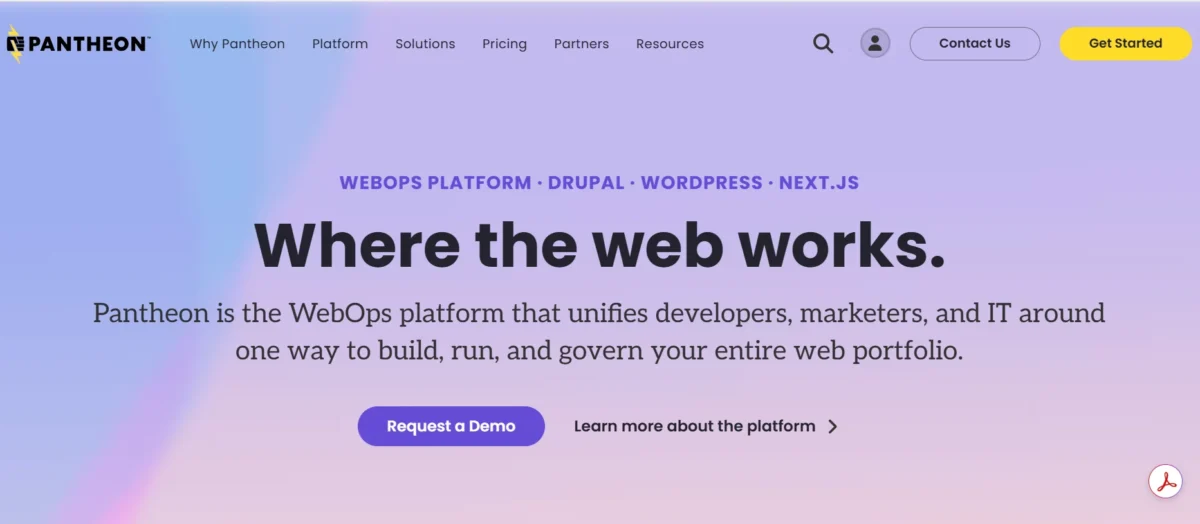
Pantheon takes a fundamentally different approach to WordPress hosting. Rather than just hosting your sites, it positions itself as a WebOps platform — meaning it wraps development, testing, and deployment into a unified workflow that’s built for teams.
If your agency runs projects where multiple developers collaborate, Pantheon’s Git-based workflow and multidev environments are transformative.
The standout feature is Multidev — isolated development environments that each team member can work in simultaneously without interfering with each other or with production.
Combined with a one-click deployment pipeline and comprehensive performance analytics, Pantheon is a genuinely powerful platform for developer-heavy agencies. It’s worth noting that Pantheon hosts both WordPress and Drupal, so it’s also a solid fit for agencies working across both CMSes.
Key Features
- WebOps platform combining hosting, development workflow, and deployment tools
- Multidev environments — isolated Git-based environments for every developer
- Full Git-based deployment workflow with push-to-deploy functionality
- One-click staging and development-to-production deployment pipeline
- Global CDN powered by Fastly for enterprise-level content delivery
- Automated backups with easy point-in-time restore
- Free SSL certificates are included across all environments
- Advanced performance analytics, including TTFB and cache hit rate monitoring
- WP-CLI, SSH access, and a full developer-friendly toolset
- Autopilot feature for automated WordPress core and plugin updates
- Supports both WordPress and Drupal in the same dashboard
- 99.9% uptime guarantee with a formal performance SLA
Pros and Cons
Pros:
- Multidev environments are unmatched for developer team collaboration
- Git-based workflow makes version control and deployment seamless
- Excellent fit for complex, enterprise-scale WordPress projects
Cons:
- Pricing scales quickly — can get expensive for agencies with many smaller sites
- Steeper learning curve than traditional managed hosts
- Less suitable for non-technical agency owners or small teams
DreamHost: The Reliable Independent Choice
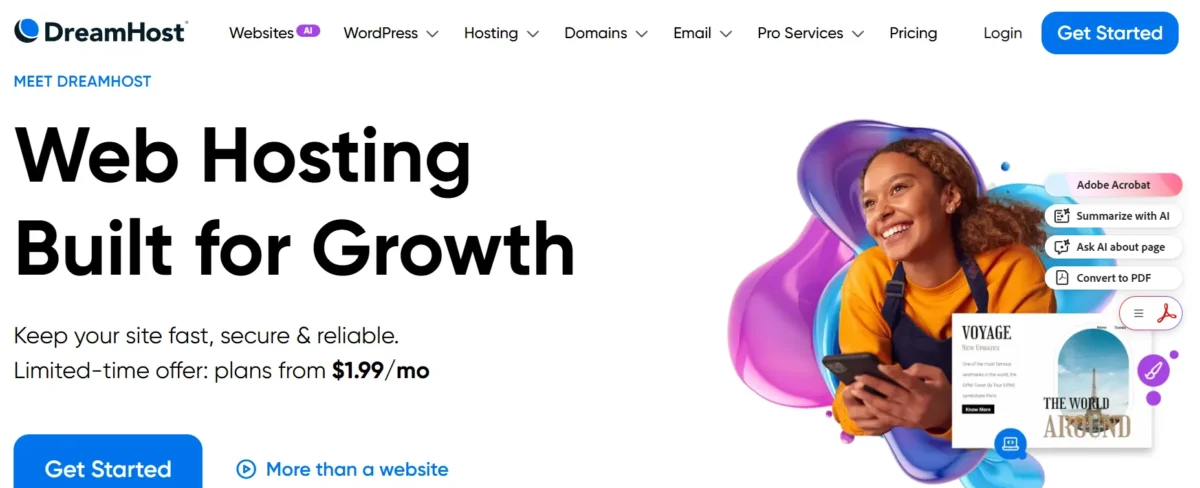
DreamHost is one of the few independently owned hosting companies still standing, and it carries that independence with pride. It’s also officially recommended by WordPress.org, placing it alongside SiteGround in that select group.
DreamHost’s managed WordPress offering — DreamPress — is a clean, no-fuss option that delivers solid performance at a fair price, making it a good fit for agencies that want reliability without the complexity.
DreamHost doesn’t try to be everything to everyone. It focuses on doing the core things well: reliable uptime, reasonable speed, helpful support, and transparent pricing.
The 97-day money-back guarantee is also the most generous in the industry — a strong signal of confidence from the company. For agencies managing smaller portfolios of WordPress sites where a full-featured platform like Kinsta would be overkill, DreamHost hits the sweet spot.
Key Features
- Officially recommended by WordPress.org
- DreamPress managed WordPress hosting with automatic core updates
- Built-in Jetpack integration for backups, security, and performance
- Free SSL certificates and a global CDN through Cloudflare
- One-click staging environment on DreamPress Plus and Pro plans
- Automated daily backups with one-click restore
- SSH access, SFTP, and WP-CLI for developer access
- Email hosting included with all plans (a rarity among managed hosts)
- 100% renewable energy-powered data centers
- 97-day money-back guarantee — the longest in the hosting industry
- 24/7 support via chat and email
- Unlimited bandwidth on all DreamPress plans
Pros and Cons
Pros:
- Independent company with a transparent, principled approach to hosting
- Email hosting included — saves agencies a separate subscription
- Honest pricing with one of the best money-back guarantees available
Cons:
- Performance doesn’t reach the heights of Kinsta or Rocket.net
- Phone support is not available on standard plans
- Fewer agency-specific features compared to Flywheel or WP Engine
Templ – Google Cloud-Based Hosting for Agencies
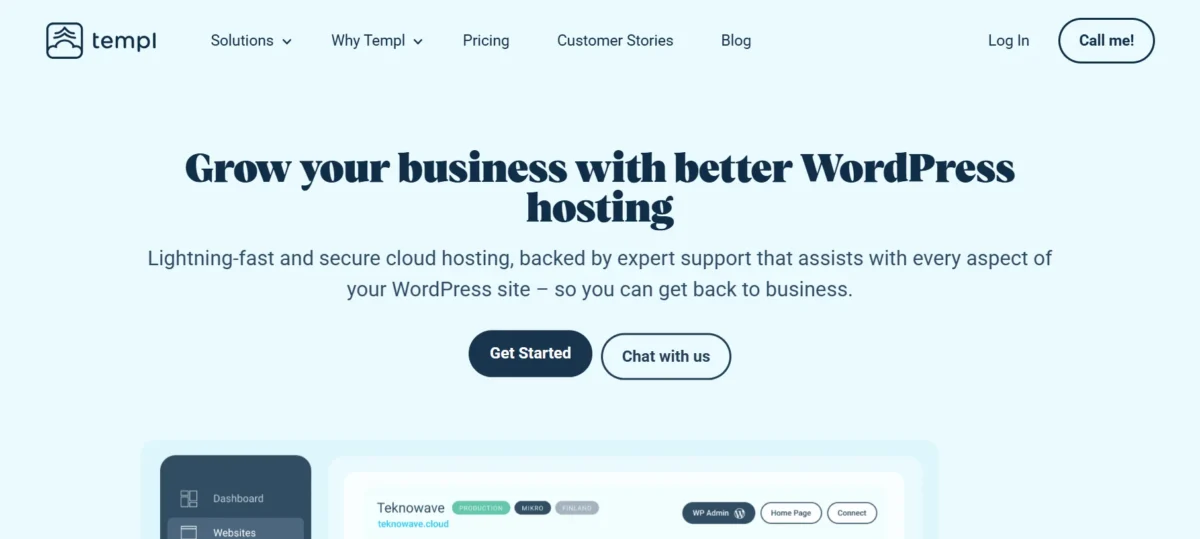
Templ is a newer hosting platform that’s built specifically for agencies and developers, running entirely on Google Cloud Platform.
It doesn’t have the brand recognition of WP Engine or Kinsta yet, but it’s carving out a solid niche by offering Google Cloud-level performance at a significantly lower price point. If you want Google Cloud hosting without the Kinsta price tag, Templ is worth a serious look.
The platform has a clean, agency-focused interface and supports team collaboration out of the box. Sites can be spun up quickly using pre-built templates, and all environments come with staging and Git deployment workflows included.
It’s particularly popular among European agencies thanks to Google Cloud’s broad data center coverage across the continent.
Key Features
- Fully managed WordPress hosting on Google Cloud Platform
- Multiple Google Cloud data center regions, including Europe and Asia-Pacific
- One-click staging environments with push-to-live deployment
- Git-based deployment workflows for developer teams
- Automated backups with easy site restoration
- Free SSL certificates on all sites
- Cloudflare CDN integration for improved edge delivery
- Team management with role-based access control
- White-label client access options for agencies
- WP-CLI and SSH access for technical users
- Pre-built site templates for faster project spin-up
- Transparent, affordable pricing relative to Google Cloud competitors
Pros and Cons
Pros:
- Google Cloud performance at a more accessible price than Kinsta
- Clean, developer-friendly interface with agency team features
- Strong European data center options
Cons:
- Smaller support team and less mature support infrastructure than established hosts
- Fewer third-party integrations compared to WP Engine or Kinsta
- Still building brand trust — less community and user review data available
A2 Hosting – Affordably Priced Plans for Agencies
A2 Hosting is one of the longest-running hosting companies in the industry and has built a loyal following among budget-conscious developers and agencies.
Their Turbo server plans use LiteSpeed servers with NVMe SSD storage — a combination that delivers noticeably faster performance than standard shared hosting at a fraction of the managed hosting price. For agencies looking for the best hosting for WordPress agencies on a budget under $50 per month, A2 is consistently one of the strongest options.
It’s important to be realistic about what A2 Hosting is. It’s not a fully managed WordPress platform like Kinsta or WP Engine — you’ll handle more of the day-to-day management yourself.
However, for technically competent agencies that don’t need full management but do need speed, reliability, and affordable multi-site hosting, A2 delivers excellent value. Their A2 Hosting Reseller plans are particularly useful for agencies that want to host client sites and resell hosting as a revenue stream.
Key Features
- Turbo servers with LiteSpeed Web Server and NVMe SSD storage for enhanced speed
- Free SSL certificates and a Cloudflare CDN integration
- Free website migration service for new accounts
- One-click WordPress installation and automated updates
- A2 Hosting Reseller plans for agency client site management
- Staging environment available on higher-tier plans
- SSH access, WP-CLI, and developer-friendly cPanel interface
- Unlimited email accounts are included with all plans
- Automated daily, weekly, and monthly backups
- 99.9% uptime guarantee with an SLA commitment
- 24/7 support via live chat, phone, and email
- Anytime money-back guarantee — no fixed refund window
Pros and Cons
Pros:
- Excellent speed-to-price ratio — Turbo plans punch well above their price point
- Phone support is available — rare among budget-friendly hosts
- Generous reseller plans for agencies managing client hosting
Cons:
- Renewal pricing is significantly higher than introductory rates
- Not fully managed — requires more hands-on involvement than premium hosts
- Staging environments are limited to higher-tier plans only
Pagely – Premium WP Hosting for Agencies

Pagely is one of the original managed WordPress hosting providers — it launched in 2009 and has spent years building its reputation in the enterprise WordPress hosting space.
It’s now part of GoDaddy’s portfolio but continues to operate as a premium brand focused on high-traffic, mission-critical WordPress environments. Pagely is for agencies whose clients include Fortune 500 brands, media companies, and high-volume publishers.
The platform runs on AWS and is architected for scale in a way that most other hosts simply aren’t. Pagely’s PressCDN and PressCache technologies are built on top of Amazon CloudFront, delivering consistently fast performance even under extreme traffic loads.
If your agency works with clients that have enterprise-level requirements — custom SLAs, compliance needs, or dedicated infrastructure — Pagely can meet those requirements in a way that few others can.
Key Features
- Enterprise WordPress hosting on Amazon Web Services (AWS) infrastructure
- PressCDN powered by Amazon CloudFront for global content delivery
- PressCache server-side caching for maximum WordPress speed optimization
- Dedicated and isolated server environments for each client account
- Enterprise-grade website security firewall and proactive threat monitoring
- Free SSL certificates with automated renewal
- Advanced staging environments with one-click deployment
- SSH access, WP-CLI, Git, and full developer access tools
- Custom SLA options with 99.99%+ uptime agreements for enterprise clients
- White-label options available for agency partner arrangements
- Compliance-ready infrastructure (HIPAA, PCI-DSS available)
- Dedicated account manager and enterprise-level support
Pros and Cons
Pros:
- Best-in-class enterprise infrastructure — genuinely built for high-stakes client sites
- AWS-powered performance handles massive traffic without degradation
- Compliance capabilities make it viable for regulated industries
Cons:
- Pricing is among the highest on this list — not suitable for smaller agencies
- Onboarding and setup require a more involved sales process
- Overkill for agencies managing standard small-to-medium business sites
Hostinger: Budget-Friendly WordPress Hosting with Strong Performance for Agencies

Hostinger has quietly become one of the most impressive budget hosting providers in the market. It’s not positioned as a premium agency platform, but for freelancers or small agencies managing a handful of WordPress sites, Hostinger delivers a surprising level of performance at a price point that’s hard to argue with.
Plans start extremely low and include a well-designed custom control panel (hPanel) that’s significantly easier to navigate than traditional cPanel.
The WordPress Business and Cloud plans include performance features like LiteSpeed caching, NVMe SSD storage, and a global CDN — features that used to require mid-market pricing.
Hostinger also offers free domain registration, free email hosting, and free site migrations, making the total cost of ownership very attractive for agencies starting or managing cost-sensitive client projects. It’s not a replacement for WP Engine — but it’s the best cheap WordPress hosting for agencies for those on tight margins.
Key Features
- LiteSpeed web server with LiteSpeed Cache plugin for WordPress speed optimization
- NVMe SSD storage on all plans for fast disk I/O
- Free SSL certificates and global CDN included
- hPanel — Hostinger’s proprietary, clean control panel for easy site management
- Free domain registration included with qualifying plans
- Free email hosting on all plans
- Free website migrations handled by Hostinger’s team
- One-click WordPress installation and auto-updates
- Daily automated backups on Business plans and above
- SSH access and WP-CLI on higher-tier plans
- WordPress staging tool available on Business and Cloud plans
- 99.9% uptime guarantee
Pros and Cons
Pros:
- Outstanding value — more performance features per dollar than most competitors
- Free domain, email, and CDN included without add-on fees
- hPanel is one of the cleanest and easiest control panels available
Cons:
- Not a fully managed WordPress platform — more hands-on than premium hosts
- Support response times can lag during peak hours
- Renewal pricing increases notably after the introductory period
Comparison Summary: Agency Hosting Features at a Glance
Here’s a side-by-side breakdown of the key features across all 14 hosting providers. Use this table to quickly identify which platforms match your agency’s specific requirements.
| Host | Starting Price | Staging | White-Label | WooCommerce | CDN Included | Best For |
| WP Engine | ~$25/mo | ✅ | Partial | ✅ | ✅ | Enterprise agencies |
| Kinsta | ~$35/mo | ✅ | ❌ | ✅ | ✅ | Performance-first agencies |
| Flywheel | ~$15/mo | ✅ | ✅ | Partial | ✅ | Creative agencies |
| SiteGround | ~$20/mo | ✅ | Partial | ✅ | ✅ | Scaling agencies on value |
| Cloudways | ~$11/mo | ✅ | ✅ | ✅ | Add-on | Flexible cloud control |
| Rocket.net | ~$30/mo | ✅ | ❌ | ✅ | ✅ (CF Enterprise) | Speed-obsessed agencies |
| Pressable | ~$25/mo | ✅ | Partial | ✅ | ✅ | Reliability-focused agencies |
| Nexcess | ~$19/mo | ✅ | ❌ | ✅✅ | ✅ | WooCommerce agencies |
| Pantheon | Free tier | ✅ | ❌ | Partial | ✅ (Fastly) | Developer-heavy teams |
| DreamHost | ~$16/mo | Paid plans | ❌ | ✅ | ✅ | Independent, budget-value |
| Templ | ~$10/mo | ✅ | ✅ | ✅ | ✅ | Google Cloud on a budget |
| A2 Hosting | ~$7/mo | Higher plans | ❌ | ✅ | ✅ | Budget agencies |
| Pagely | Custom | ✅ | ✅ | ✅ | ✅ (CloudFront) | Enterprise/compliance |
| Hostinger | ~$3/mo | Business+ | ❌ | ✅ | ✅ | Freelancers and small agencies |
Prices shown are approximate starting rates and may vary. Always confirm current pricing directly with each provider.
When comparing options like Cloudways vs WP Engine for WordPress agencies, the choice really comes down to how much control vs. convenience you want. Cloudways wins on flexibility and pricing. WP Engine wins on features, support, and enterprise trust.
Similarly, Flywheel vs SiteGround for agencies is a close call — Flywheel wins on white-label and client workflow, while SiteGround wins on value and renewal price transparency.
Final Recommendation: Choosing the Right Partner
There’s no single answer to which host is the best WordPress hosting for agencies — it depends entirely on where your agency is right now and where you’re headed. If performance is your top priority and budget isn’t a limiting factor, Kinsta or WP Engine are the safest, most capable choices.
For creative agencies that need white-label tools and a seamless client handoff process, Flywheel is the most purpose-built option available. If you manage WooCommerce stores for clients, Nexcess should be at the top of your shortlist.
For agencies that want infrastructure flexibility without full DIY complexity, Cloudways is genuinely in a class of its own — especially given the pay-as-you-go pricing model. And if budget is the primary constraint, Hostinger or A2 Hosting both offer far more performance than their price tags suggest.
The key is to match the hosting decision to your client profile, your team’s technical comfort level, and your growth trajectory. Don’t pay for enterprise features you don’t need yet — but don’t underinvest either. The right hosting platform is one of the best long-term investments your agency can make.
FAQs – Best WordPress Hosting for Agencies
What is the best WordPress hosting for agencies managing multiple client sites?
WP Engine and Kinsta are the top choices for managing multiple client sites, thanks to their centralized dashboards, staging environments, and multisite management tools. Flywheel’s Growth Suite is also excellent if white-label client management is a priority.
Is managed WordPress hosting worth it for agencies?
Yes — for most agencies it absolutely is. Managed hosting handles updates, backups, security, and performance optimization automatically, freeing your team to focus on client work rather than server maintenance. The ROI in saved time typically outweighs the higher cost.
What is white-label WordPress hosting, and why do agencies need it?
White-label hosting lets agencies present hosting services under their own brand — clients see your agency’s name, not the host’s. Flywheel and Cloudways are the strongest options here, allowing you to deliver a seamless, professional experience that reinforces your brand rather than a third party’s.
How does WordPress hosting affect Core Web Vitals and SEO rankings?
Hosting directly impacts Core Web Vitals metrics like TTFB (Time to First Byte) and LCP (Largest Contentful Paint). Faster servers with built-in CDNs and caching — like Rocket.net or Kinsta — produce better Core Web Vitals scores, which Google uses as a ranking signal. Poor hosting can actively hurt a client’s SEO performance.
Which is better for agencies — Cloudways or WP Engine?
It depends on your agency’s priorities. Cloudways wins if you want infrastructure flexibility, pay-as-you-go pricing, and the ability to choose your cloud provider. WP Engine wins if you need a full enterprise feature set, premium support, and a formal agency partner program with co-marketing resources.
What should agencies look for in a WordPress host?
The most important factors are: uptime reliability (99.9%+), server speed and CDN quality, staging environments, white-label options, multisite management tools, developer access (SSH, WP-CLI, Git), support quality, and scalable pricing. Security features like automatic backups and a built-in firewall are also non-negotiable.
Is there good WordPress hosting for agencies on a tight budget?
Yes — Hostinger and A2 Hosting both offer solid performance at very affordable price points. Cloudways is also worth considering since its pay-as-you-go model can be cheaper than fixed-plan hosts for agencies just starting to scale. Just be mindful of introductory vs. renewal pricing across all budget options.
Related Posts
- HostGator Review
- 20 PHP Hosting Providers for Fast Website Performance
- Top 7 cPanel Hosting Providers for Small Businesses
- 10 Best Blog Hosting Providers: A Deep Dive
- What Are the 36 Different Types of Web Hosting?
- 17 Nonprofit Hosting Providers for Charity Sites
- Top 10 HIPAA-Compliant Hosting Providers
- The Best WordPress Hosting for Beginners – 28 Tested
- 12 Best Multiple Domain Hosting: Affordable Options
- Headless CMS Hosting – Modern Web Development Approach
- The Fastest WordPress Hosting: I Tested 17 Hosts
- Free Web Hosting Services for Beginners – Full Guide
- How to Fix Bluehost Slow WordPress Websites?
- WPX Hosting Review

Alex Bryant is the founder of PvyEmpire.com and a WordPress specialist with over 4 years of hands-on experience in web hosting, performance optimization, and website management. He has extensively tested top hosting providers by setting up real websites and monitoring their speed, uptime, and reliability.
At PvyEmpire.com, Alex publishes honest, data-driven reviews, detailed guides, and verified coupons & deals. His goal is to help website owners choose the right hosting, improve performance, and grow their online presence with confidence—based on real testing, not promotions.